 Radishy
Cool nights,garlic going in.
Autumn · plant for spring harvest
A garden planner for the southern hemisphere. The kind that knows your zone before you tell it.
175 species with full botanical entries, watering that listens to the forecast, a harvest log that compounds across seasons. Lives on your phone, not in a cloud.
Email opens — we'll send a single line when 1.0 is on the App Store. No newsletter, no spam.
No card, no signup.
Today
April 27
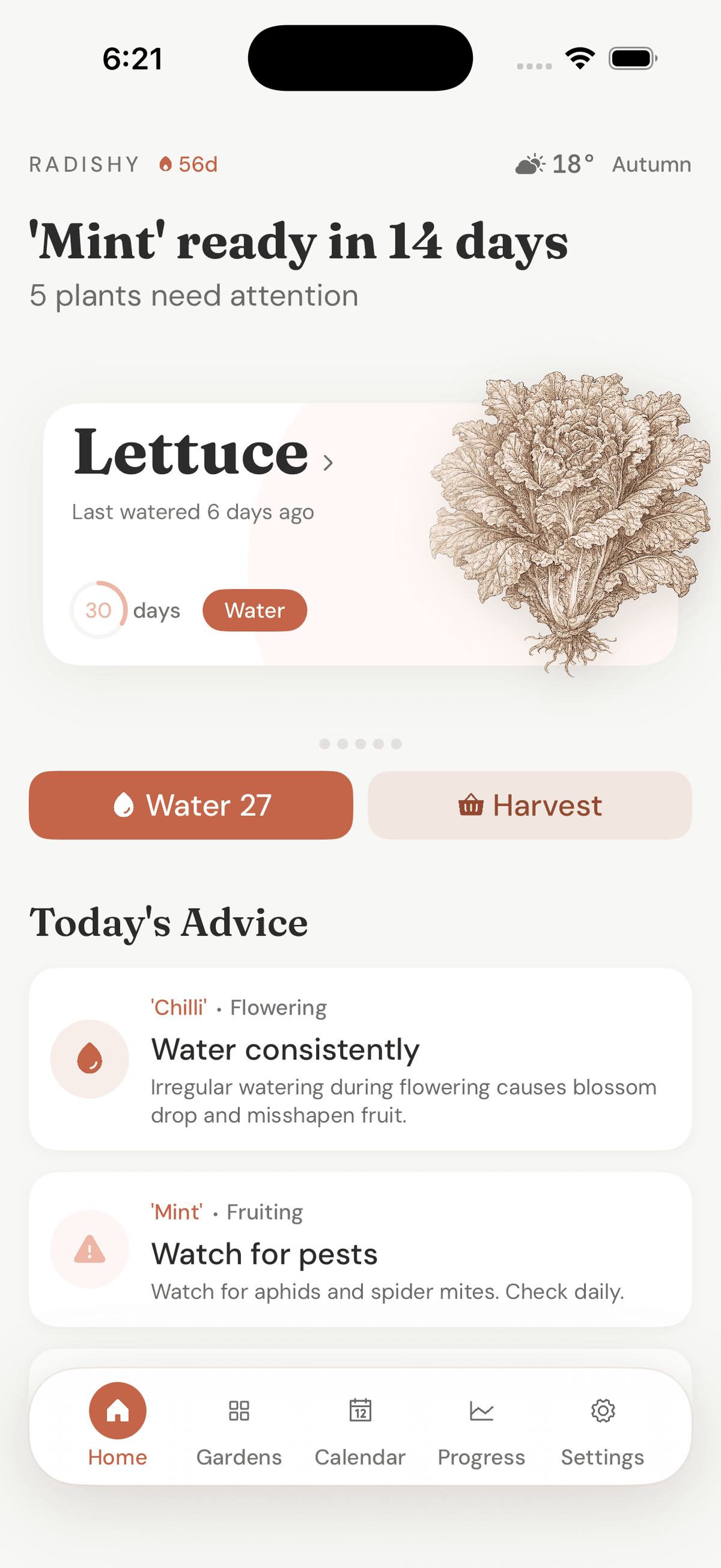
Cool nights. Garlic and onion sets on this weekend. Soil down to 14°C. Last call for autumn brassicas.
A planner first. The encyclopaedia is what we built it on.
Radishy assumes you know what a tomato looks like. What you actually want is to know when it goes in the ground, when to water it, and when it’s ready to eat. That’s the app.
The plant identifier crowd solves a problem most gardeners don’t have. Yours is timing.
Built for the south
Auto-detects whether you’re in Tropical, Subtropical, Temperate or Cool. Sow and harvest dates flip to the southern hemisphere on day one. The frost watches list Hobart, Ballarat and Christchurch.
On-device by default
All 175 species and your full garden history live on this phone. No login, no cloud account, no analytics. Optional iCloud sync uses Apple’s encrypted store. We never see it.
Botanical depth
Every plant ships with NPK, spacing, frost tolerance, companions, pests and harvest signs. The 14-day trial opens all of it on day one, including the species the free tier hides.
Autumn · the almanac
Six plants you can actually put in this month.
Cool nights, last warm days. The window for autumn brassicas is closing; the window for garlic, broad beans and cool-season leafies is wide open.
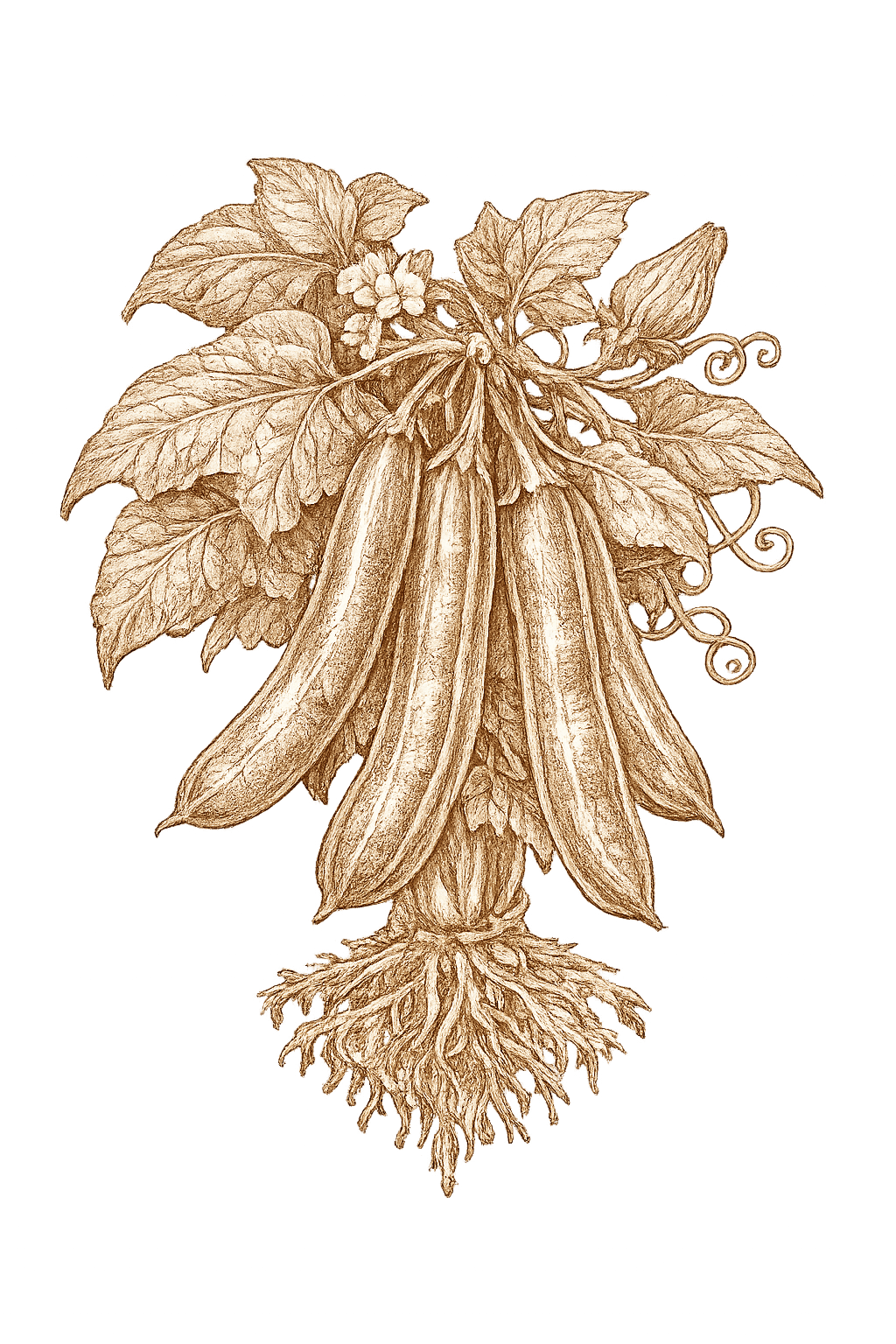
Broad bean
Vicia faba
- Sow
- Mar–Jun
- Harvest
- from 130 days
- Soil
- any
Sow direct now. Spring harvest if you don't lose the row to mice.
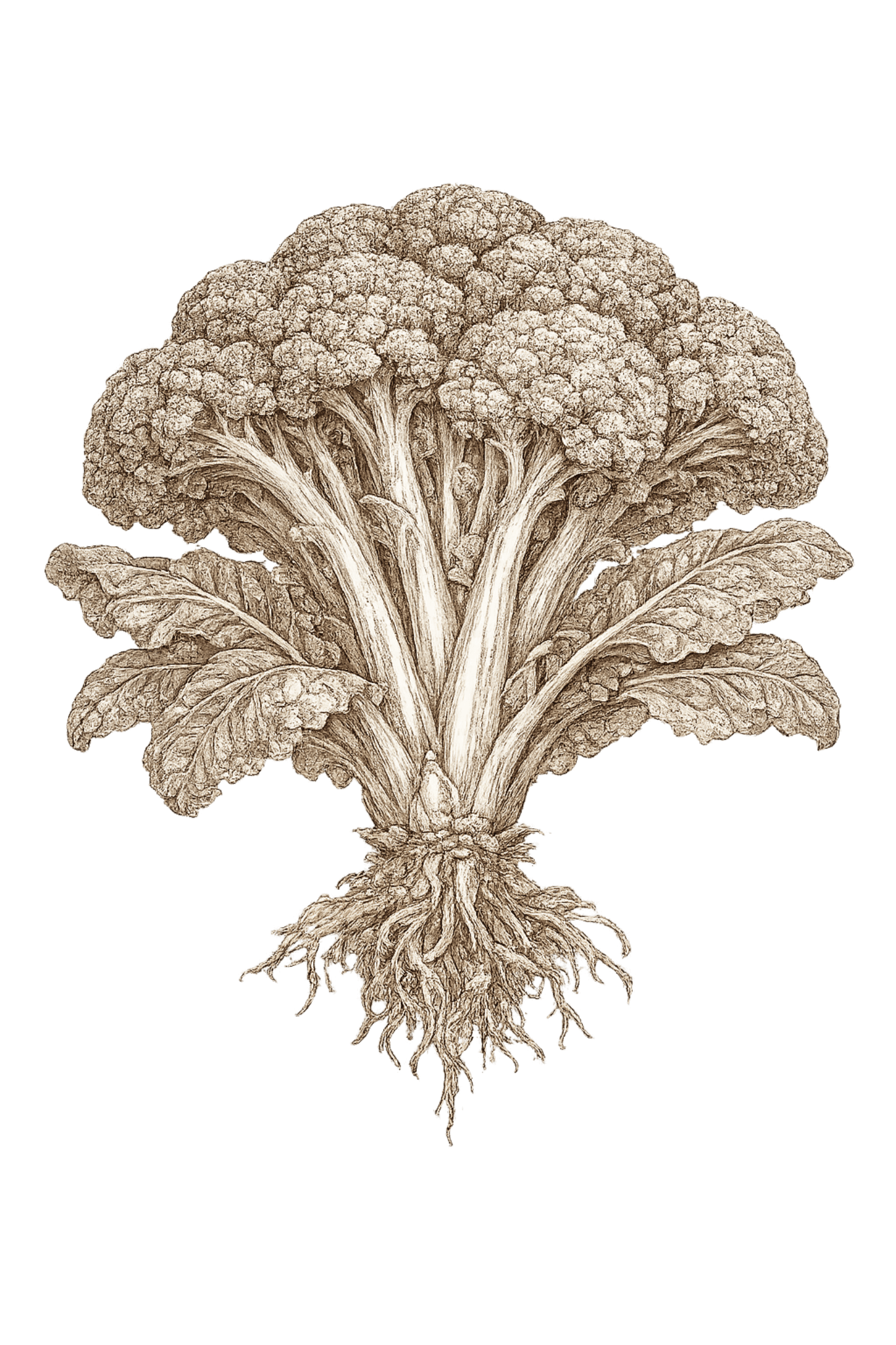
Broccoli
Brassica oleracea italica
- Sow
- Feb–Apr
- Harvest
- from 90 days
- Soil
- ≥ 7°C
Net for cabbage moth from day one. Side-shoots keep coming.
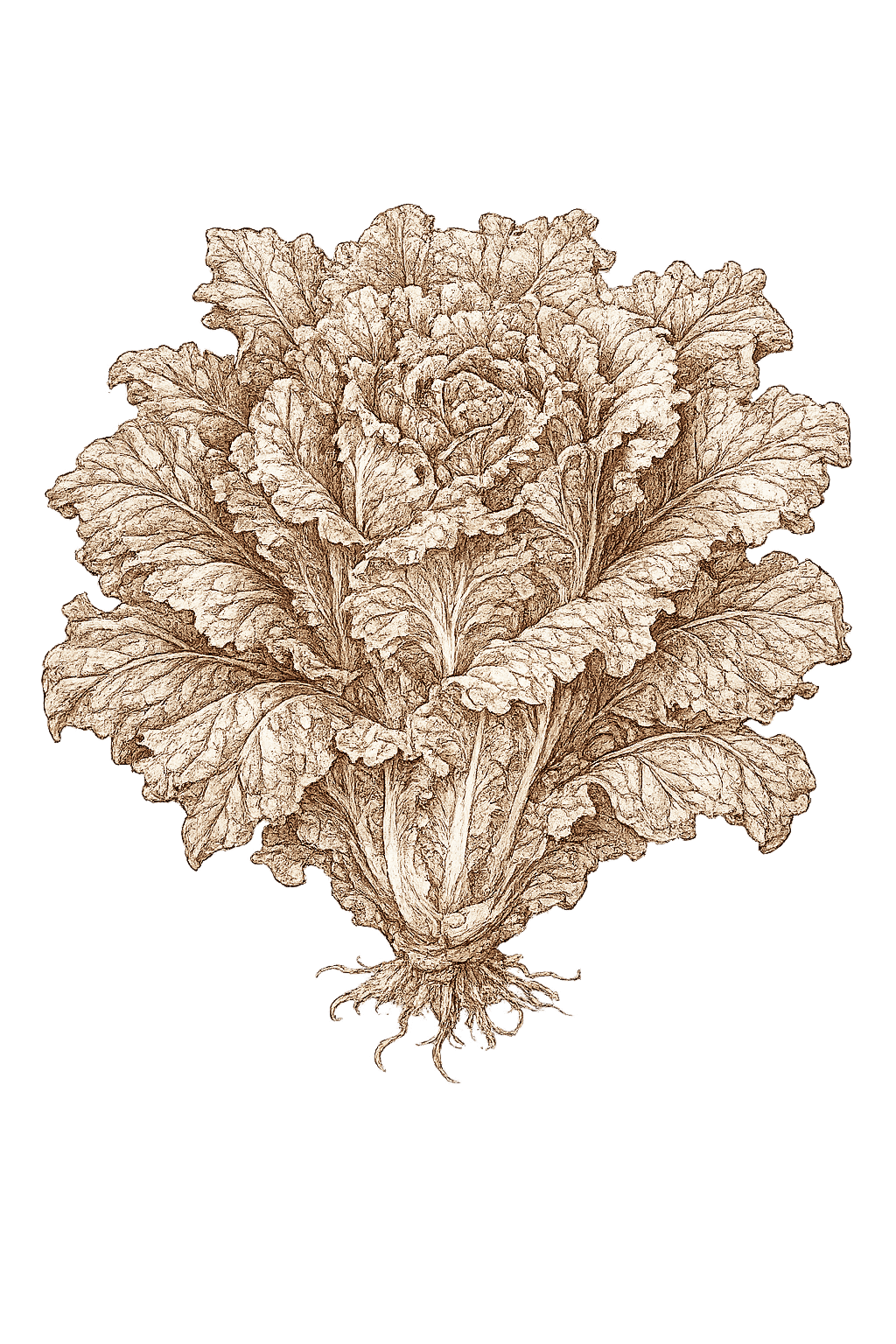
Lettuce
Lactuca sativa
- Sow
- Feb–May
- Harvest
- from 45 days
- Soil
- ≥ 8°C
Cut outer leaves. The plant keeps producing for six weeks.
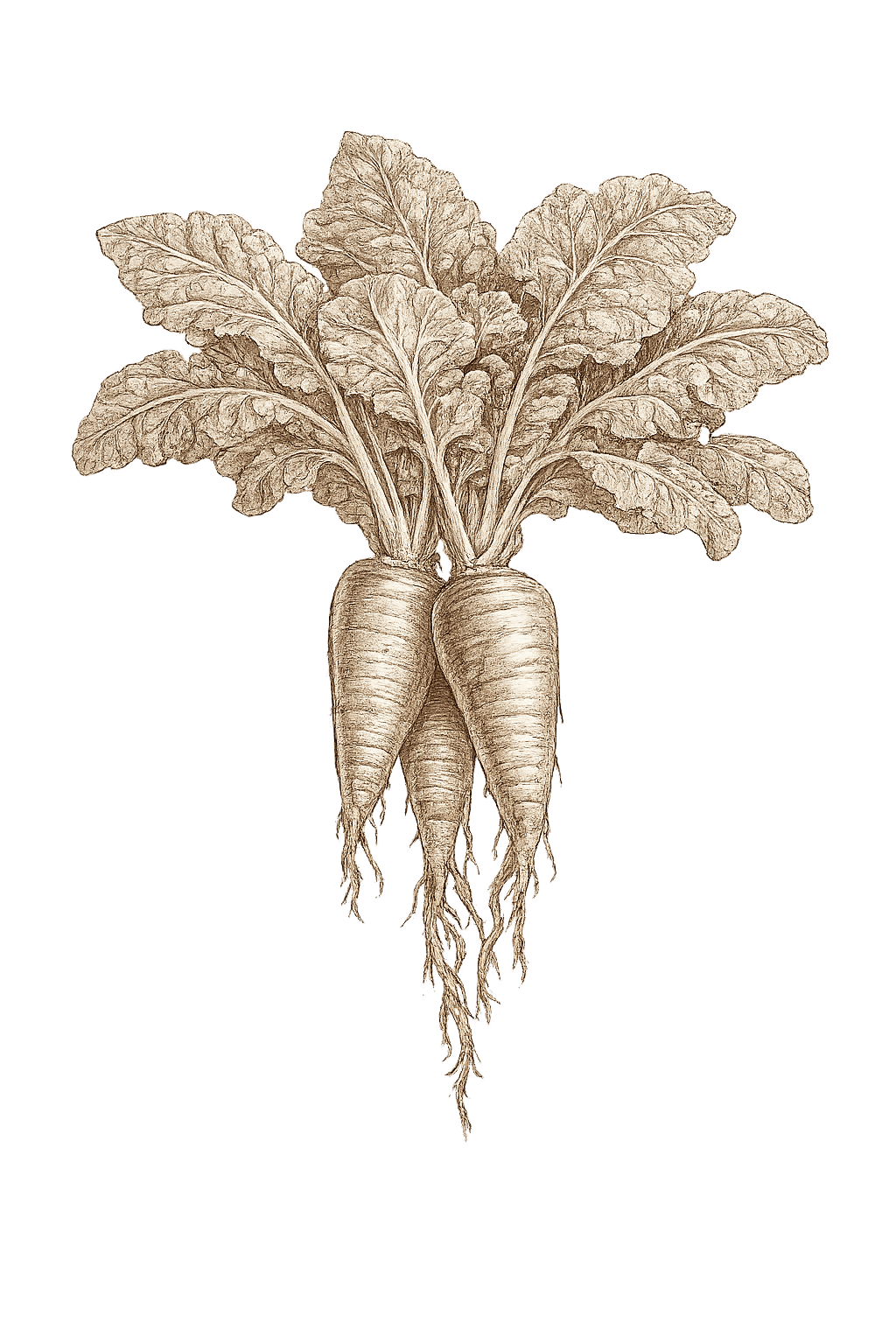
Radish
Raphanus sativus
- Sow
- year-round
- Harvest
- from 25 days
- Soil
- any
Three weeks to the table. Fill the gaps between slow crops.
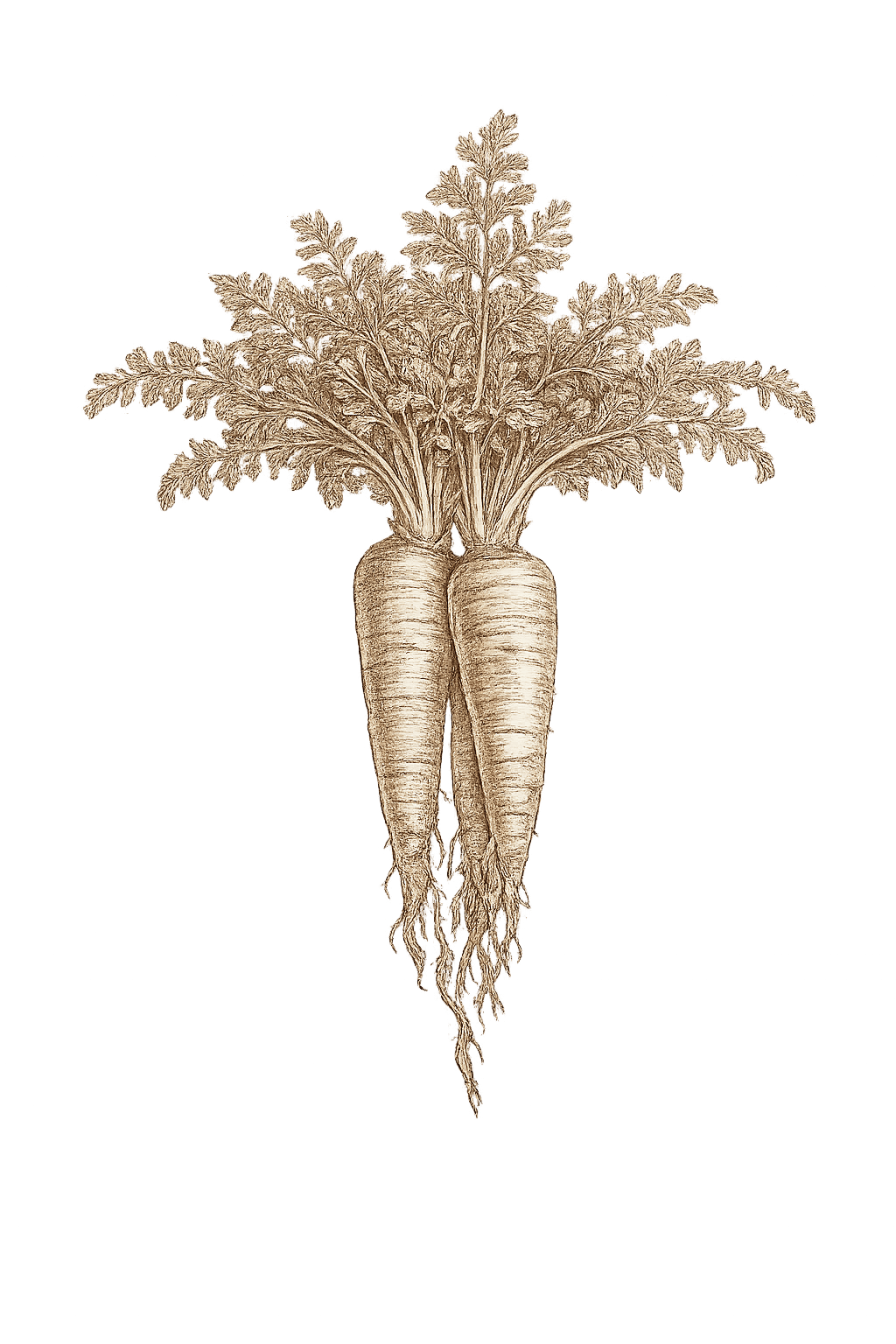
Carrot
Daucus carota
- Sow
- Aug–Apr
- Harvest
- from 75 days
- Soil
- any
Last call in cooler zones. Tropical gardens keep going.
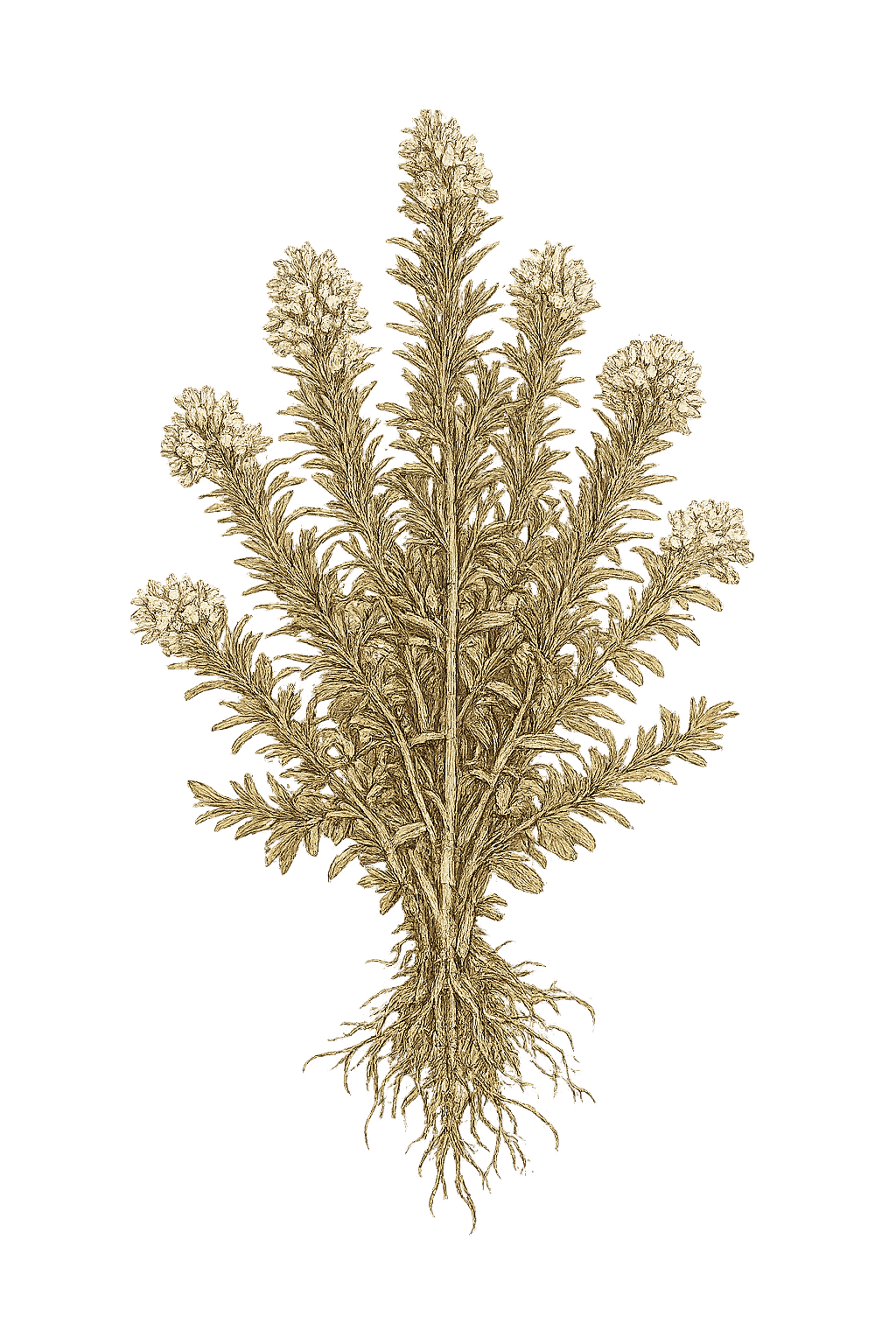
Rosemary
Salvia rosmarinus
- Sow
- Mar–Sep
- Harvest
- year-round
- Soil
- any
Establish before winter. By spring it's permanent.
Drawn from the Radishy entries for AU/NZ zones. The app holds 175 species like this — plus your own beds, your own notes, your own harvest log.
What you actually do with it.
Twelve tools, in roughly the order you’ll meet them across a growing season.
Plan a bed with your thumb
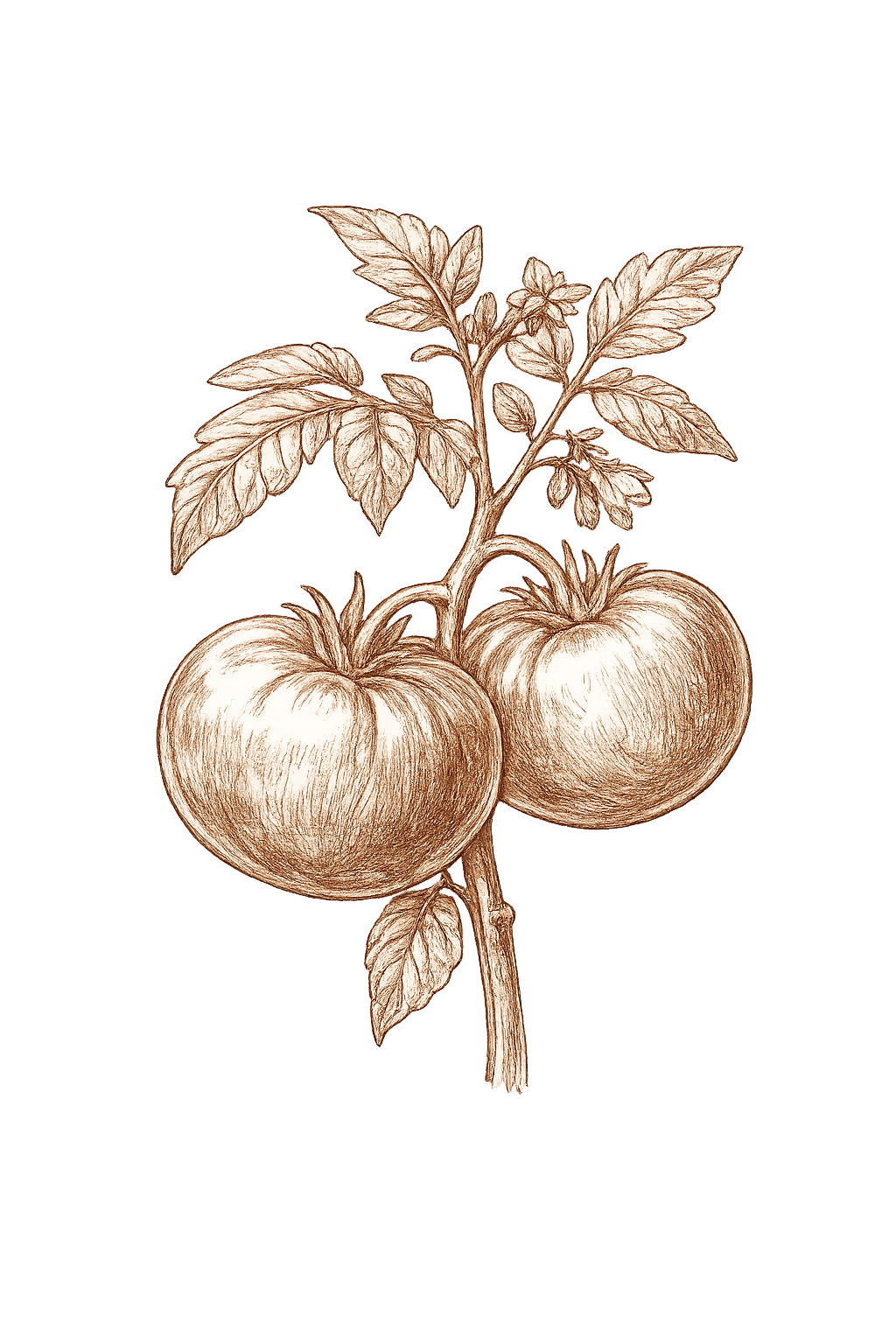
Drag plants into cells. The carrot already in row two will warn you about the tomato you just dropped beside it. The app keeps last season's map so you remember what was where.
A calendar that reads south
Sow and harvest windows aligned to your zone — Tropical, Subtropical, Temperate or Cool — in DD/MM. Christmas tomatoes are normal here. Garlic in autumn, broad beans through winter, the calendar already knows.
Watering reminders that listen to weather
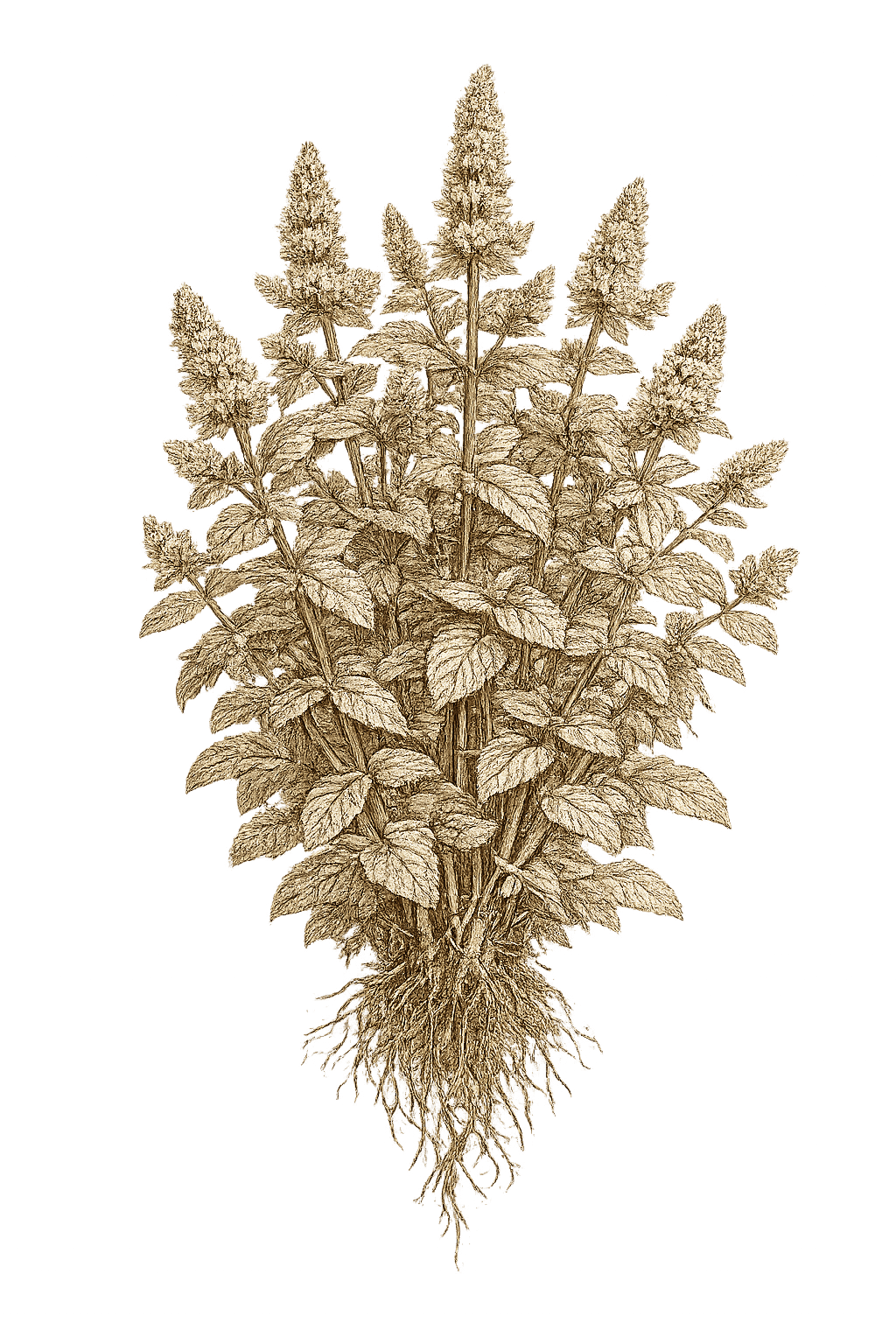
Skipped after rain. Brought forward before a frost. Held back during flowering when irregular drinks split tomatoes. The reminders ask the bureau before they ask you.
Voice notes for hands in the dirt
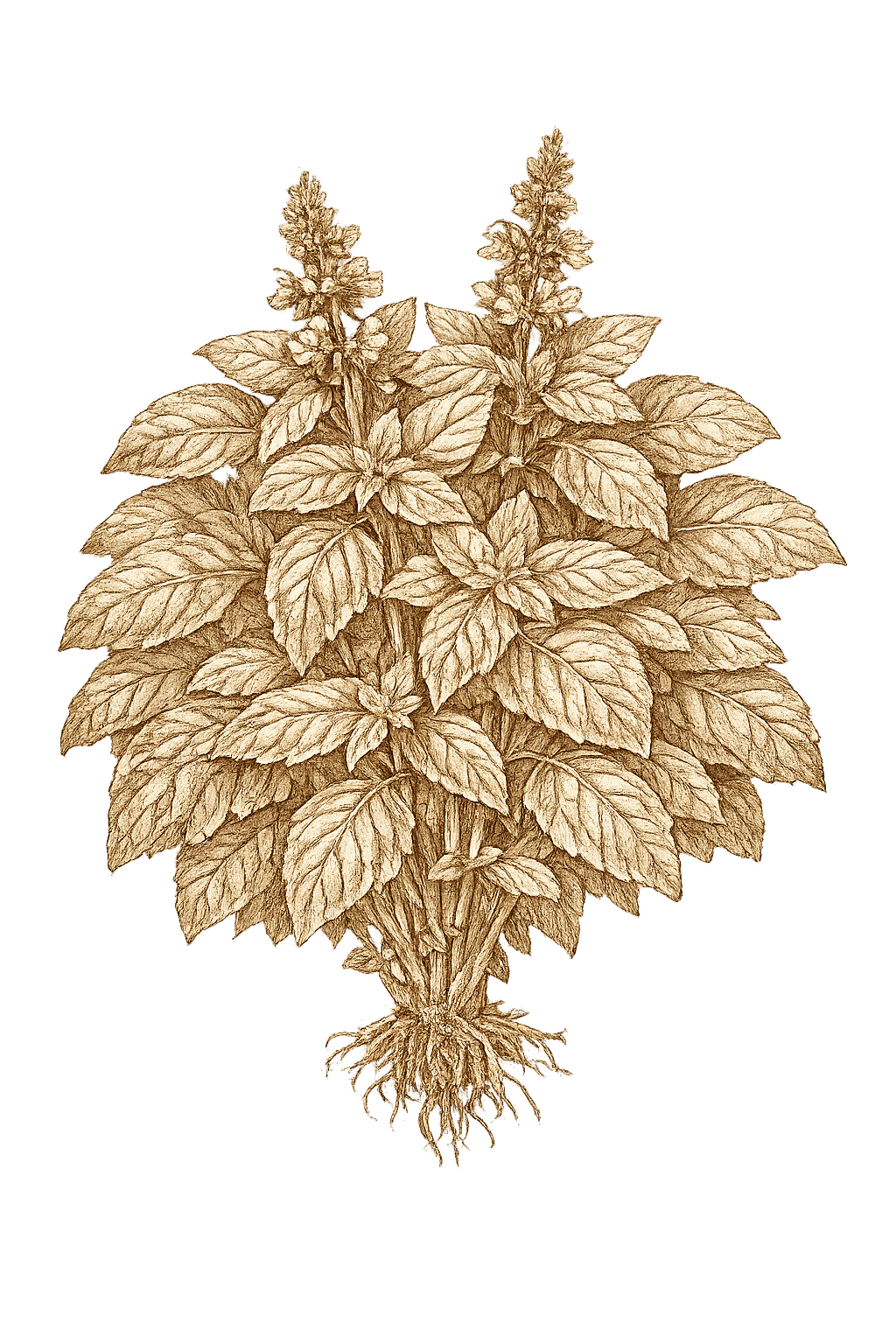
Hold to record. The app transcribes inline and clips the note to the planting alongside photos and watering taps. Up to five minutes per recording on Pro — long enough for a slow row-by-row walkthrough.
A photo journal that compounds
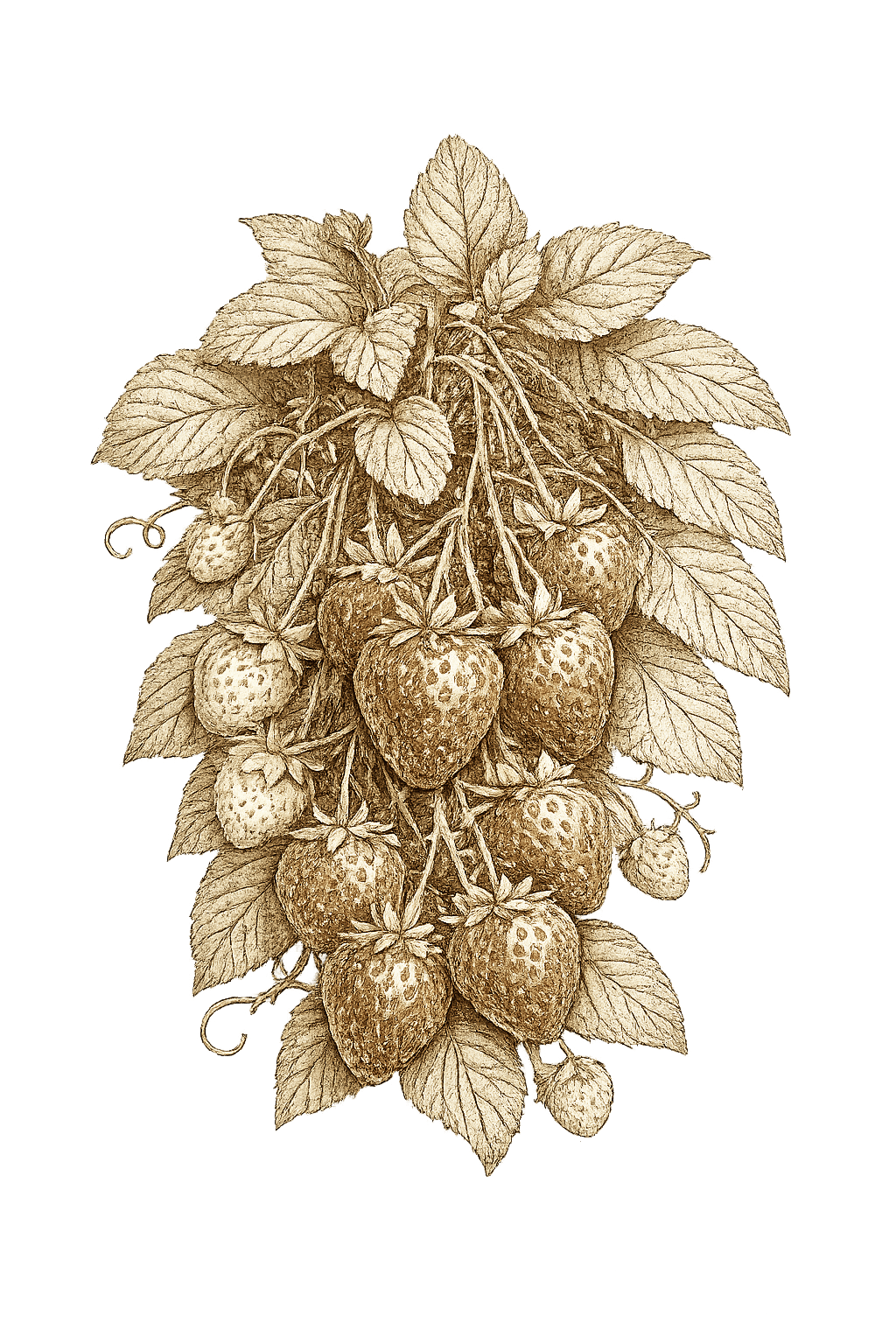
One picture a week per plant. Radishy stitches them into a timeline so March looks nothing like June. Tap day-1-vs-now and watch a seedling become a strawberry patch.
Full botanical entries for 175 plants
Spacing in centimetres, NPK ratios, frost tolerance, companion friends and foes, pest photos, harvest signs, storage notes. Each entry is a research paper compressed into one screen — written for AU/NZ soil.
Companion checks, inline
Drop a basil next to a tomato — Radishy nods. Drop a fennel next to anything — it warns. Allelopathic conflicts and beneficial pairings checked the moment your thumb leaves the cell.
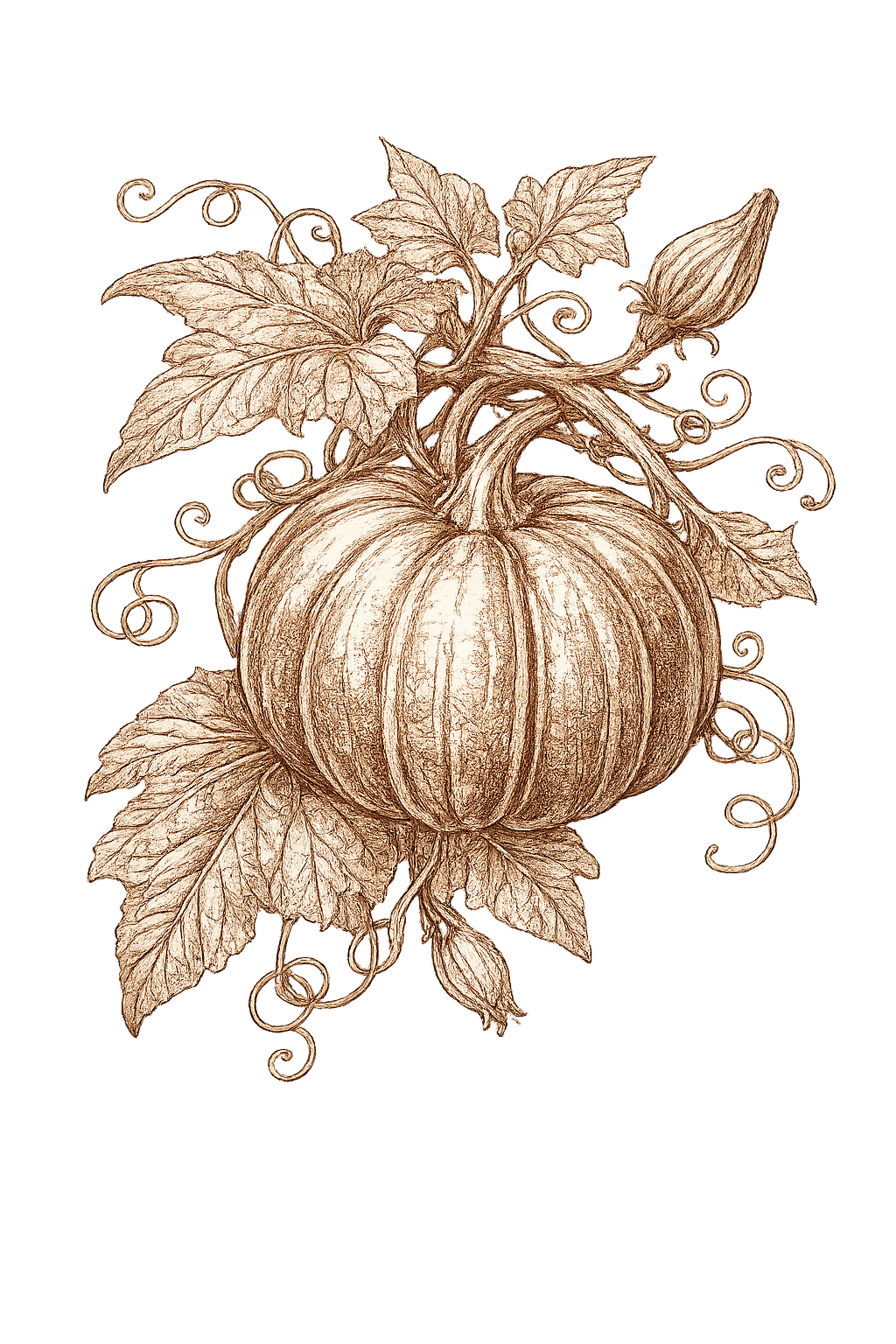
Harvests, weighed
Log them by the gram. The months your beds paid for themselves quietly add up at the bottom. Pro maps yields against AU supermarket prices so the dollar figure is real, not aspirational.
Crop rotation that remembers
Last season's bed map stays. When you plan this spring, the app warns about putting solanums where tomatoes lived for two years running. Soil-borne diseases prevented before you plant the row.
When something looks off, ask the Plant Doctor
Yellow leaves on the capsicum, leggy basil, spots on a tomato — tap the plant, scroll the symptom matrix and Radishy lists matching pests and diseases for that species in your zone. Organic-first treatments. Photos. The diagnosis you'd otherwise type into Google at midnight.
Seed Box — packets that count themselves down
Add a Cherokee Purple packet at 80 seeds. Plant 3 cells, the box drops to 77 — by variety, FIFO across packets so the oldest open one goes first. Sow-by dates on annuals, perennial packets that won't make it through summer flagged before you waste them.
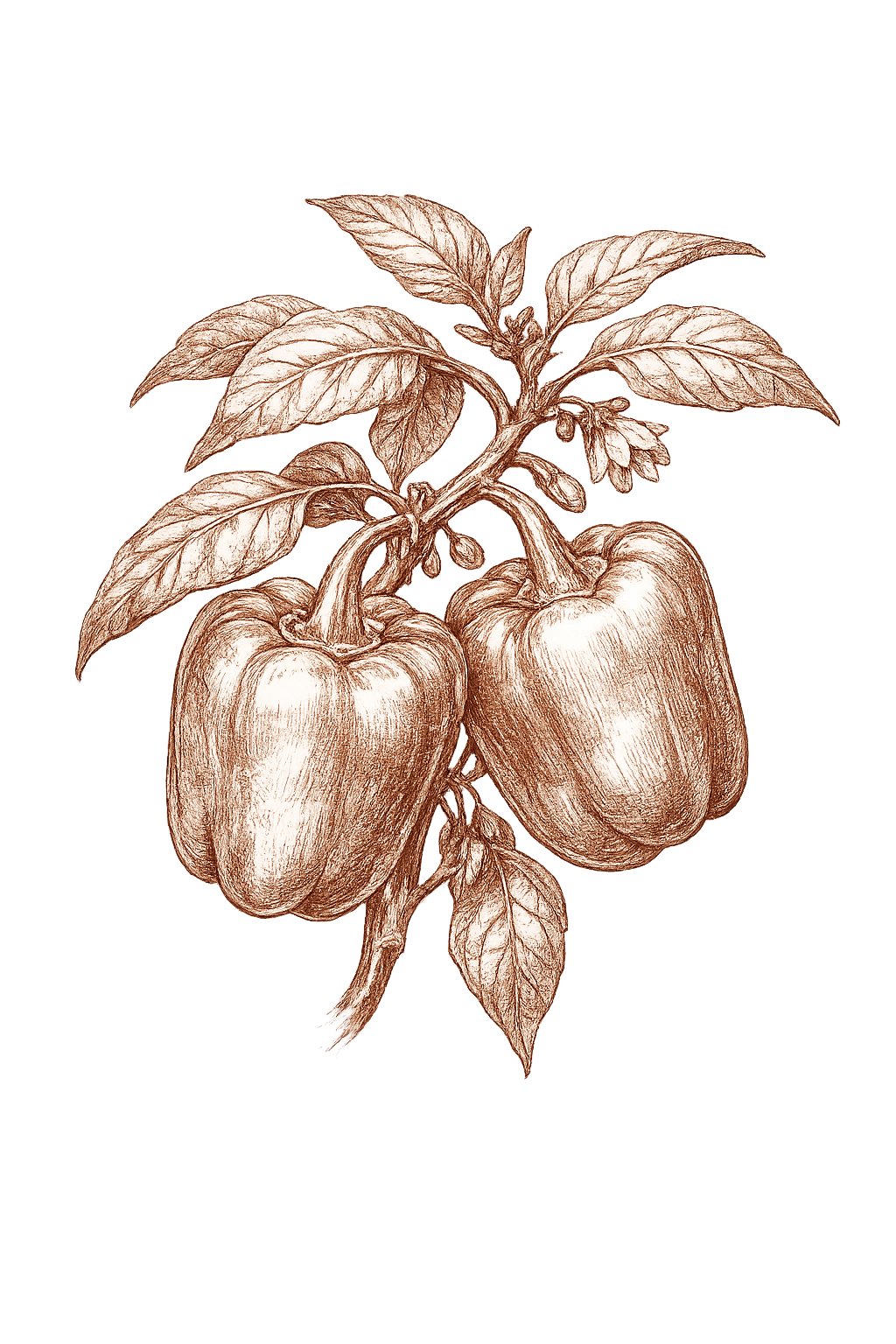
Home-screen widgets and lock-screen glances
Small / medium / large widgets show today's hero plant + 'X plants need water' + days to next harvest. Tap and you're already in the watering checklist. Lock-screen complications on iOS 17+. The garden, on your home screen, no app open.
Inside the app · 12 screens
The order you’ll meet it,
from sowing to season’s end.
Twelve captures from a real iPhone, seeded with the same fixture development uses — two gardens (Herb Spiral + Back Yard Veggie Patch), 29 plantings, mid-spring, two harvests already logged. Drag sideways to scrub a season. The theme follows the page.
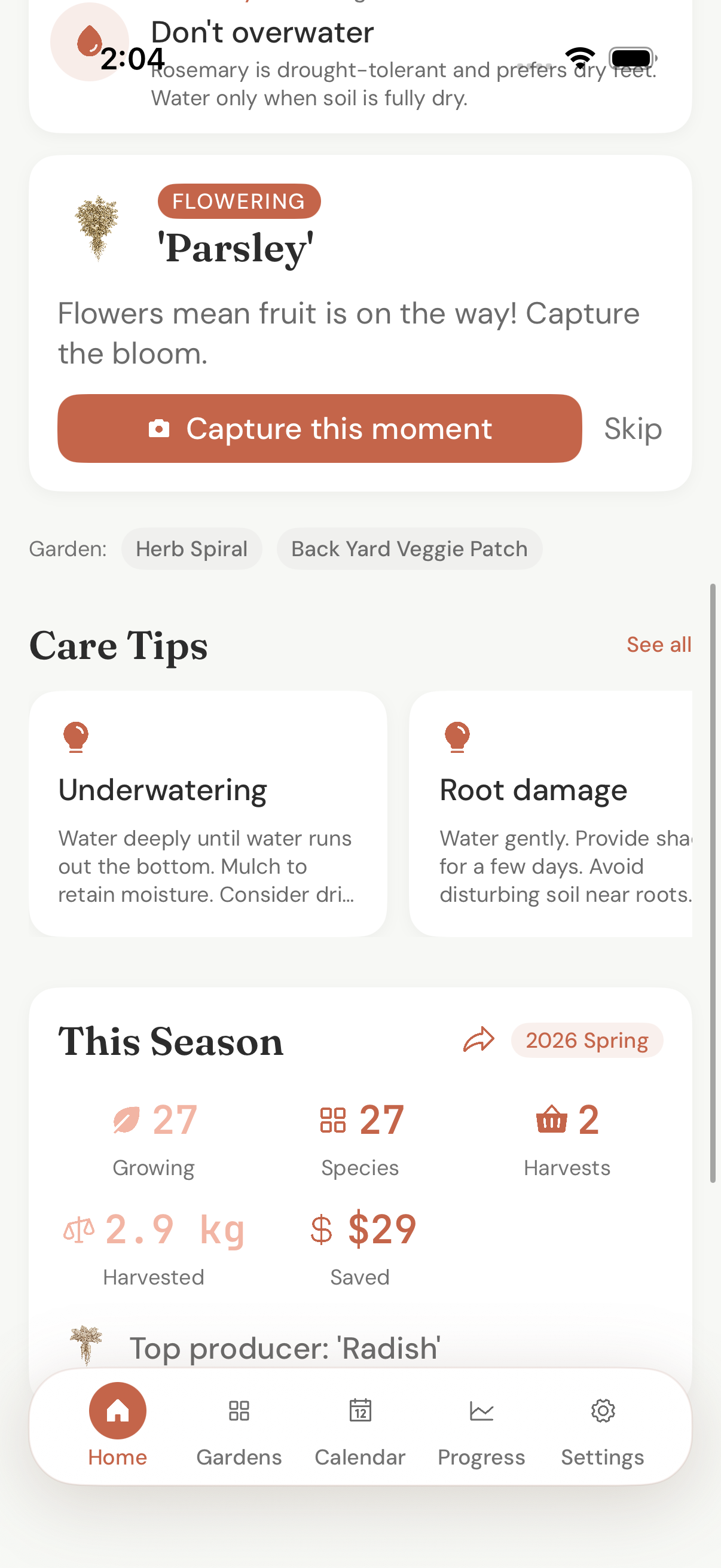
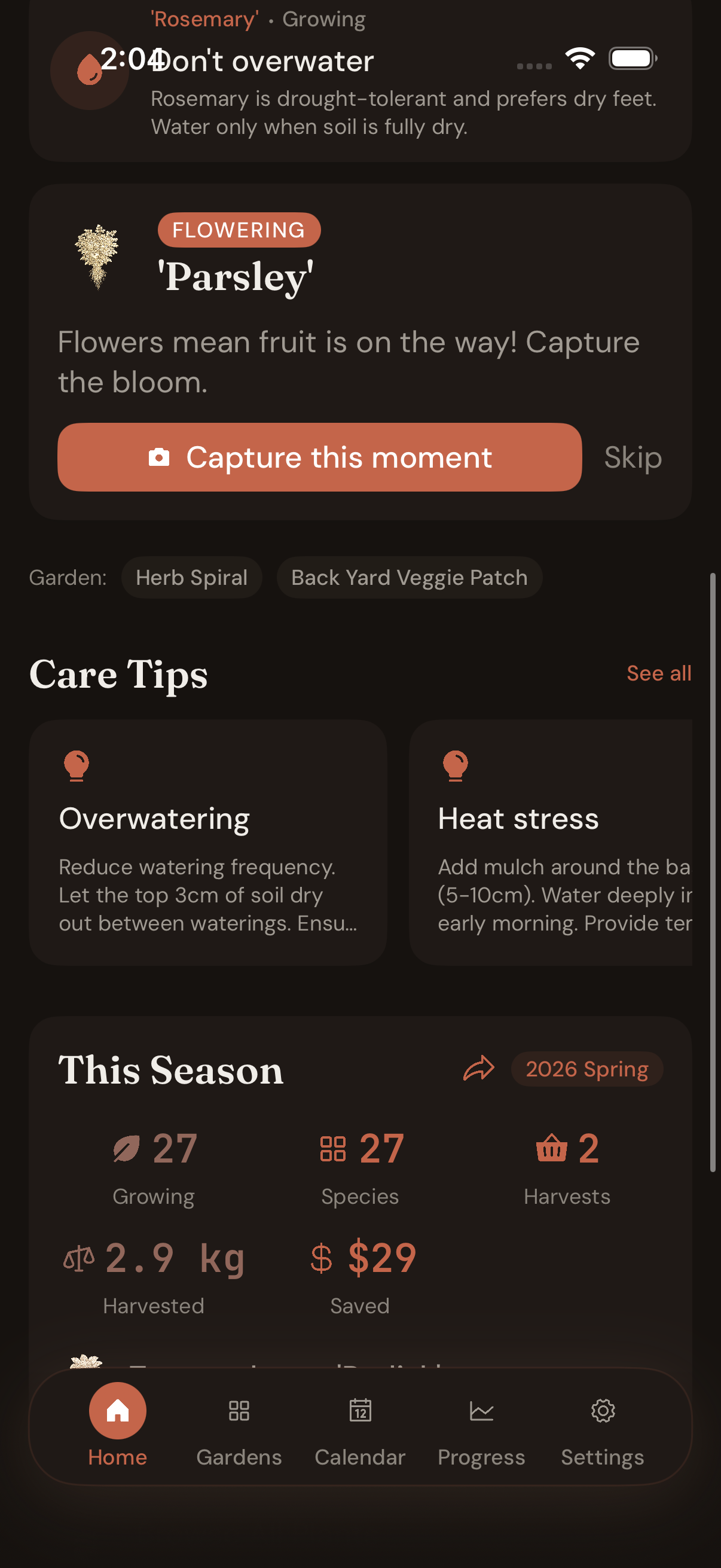
When 'Parsley' bolts, the dashboard nudges you to capture the moment. Care Tips spell out today's risks — Underwatering, Root damage. 'This Season' tallies live in the same scroll: 27 growing, 2.9 kg harvested, $29 saved at supermarket prices.
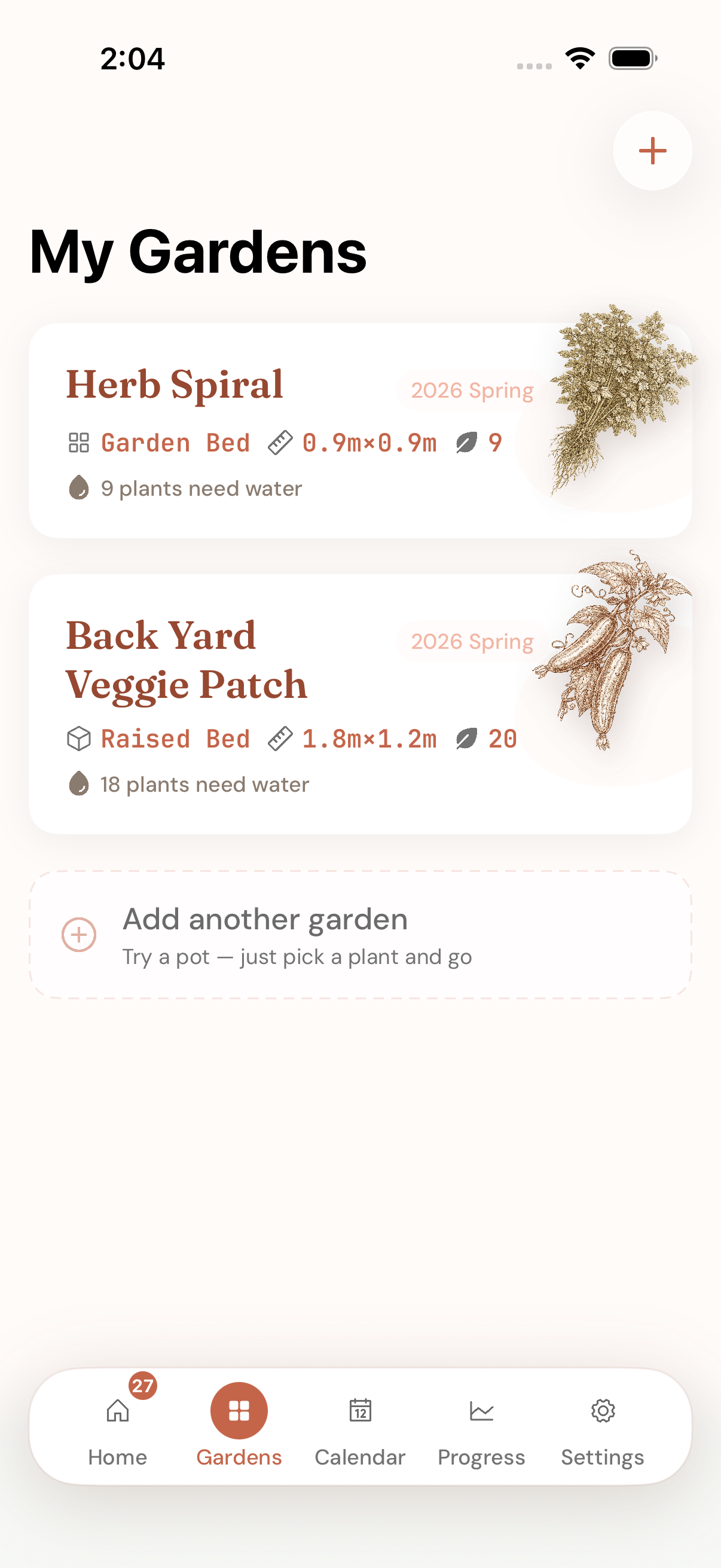
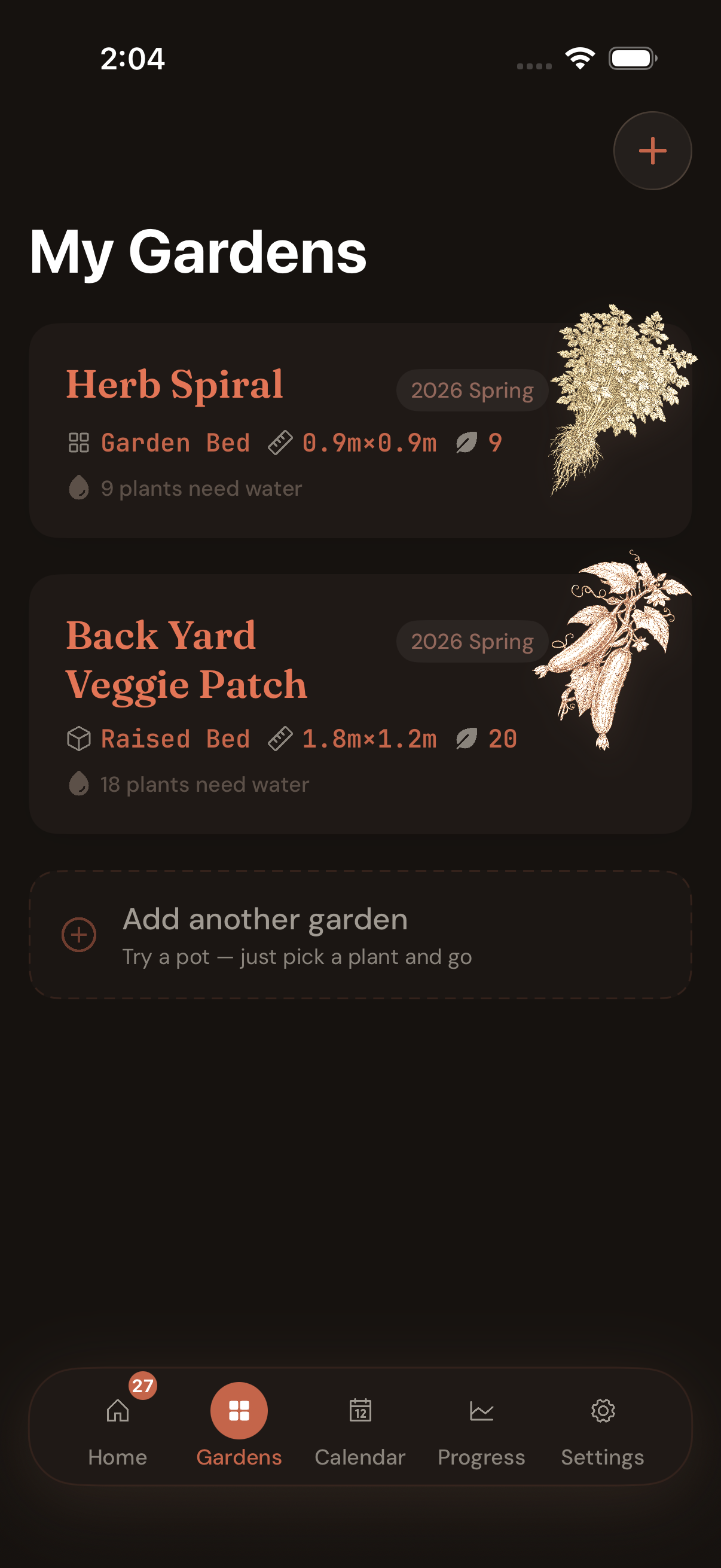
Plot beds get full-width botanical cards (Herb Spiral 0.9 × 0.9 m, 9 plants). Raised beds the same (Back Yard Veggie Patch 1.8 × 1.2 m, 18 plants). Add another garden — try a pot, just pick a plant and go. Free covers two beds + unlimited pots.
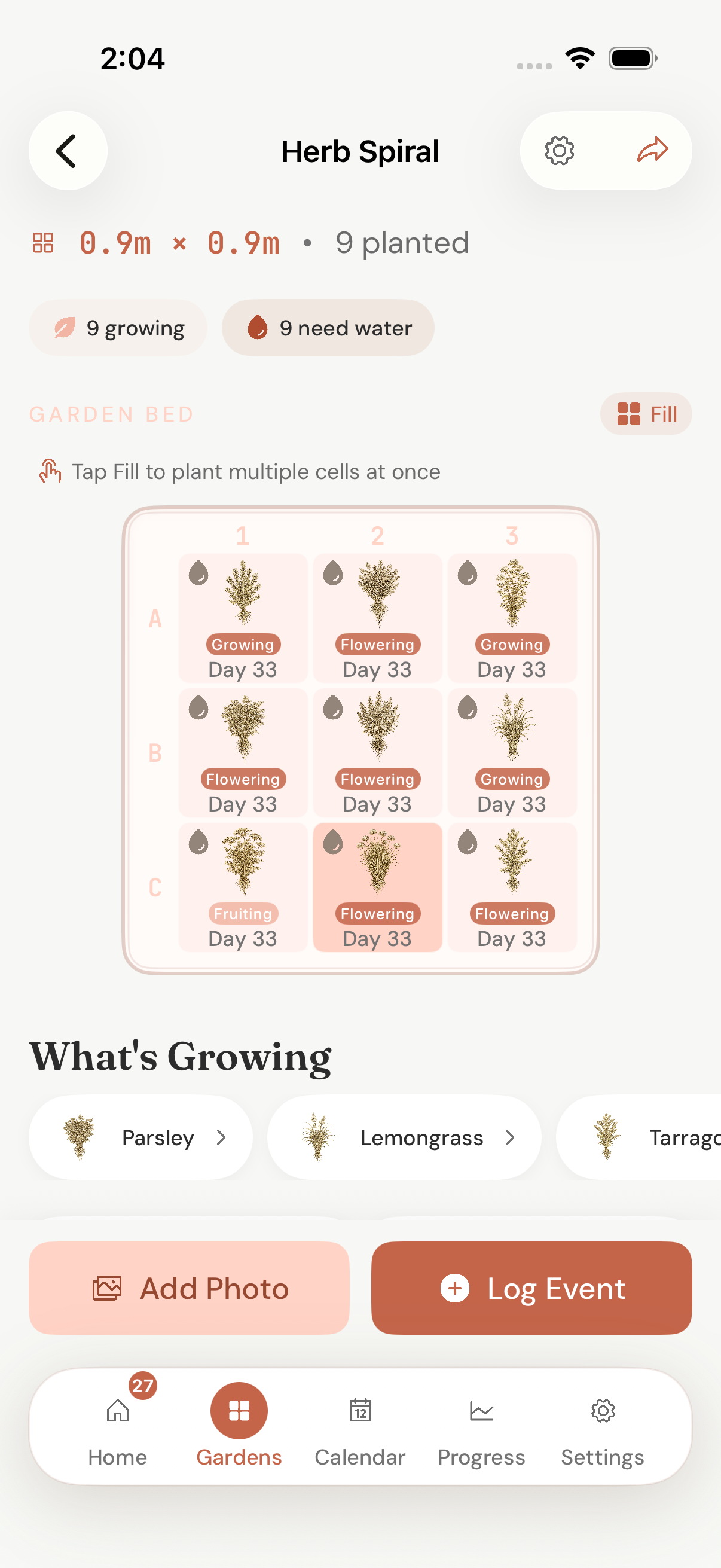
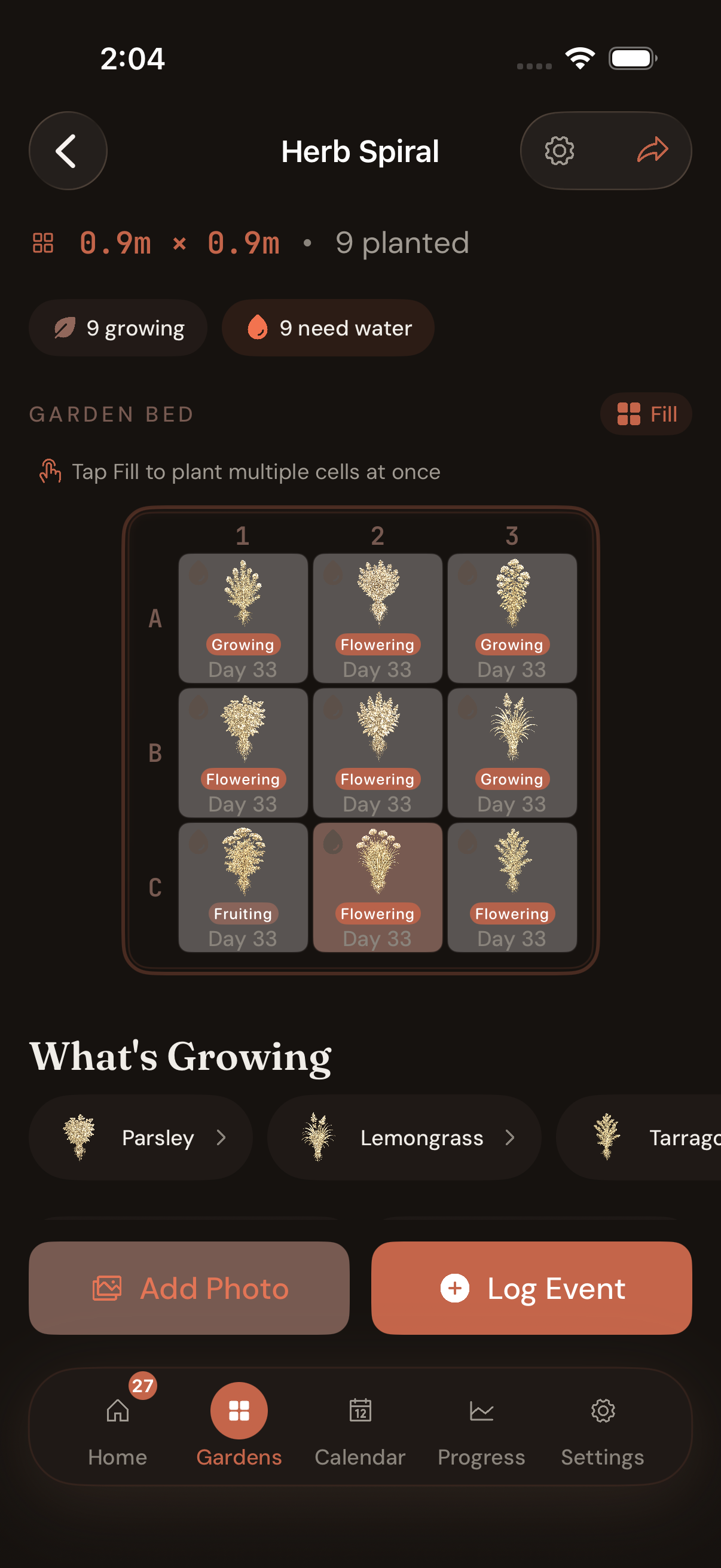
3 × 3 square-foot grid in 'Herb Spiral' — Parsley flowering at Day 32, Lemongrass growing, Tarragon next door. What's Growing chips list every species in the bed. Add Photo and Log Event live at the bottom; companion checks run inline.
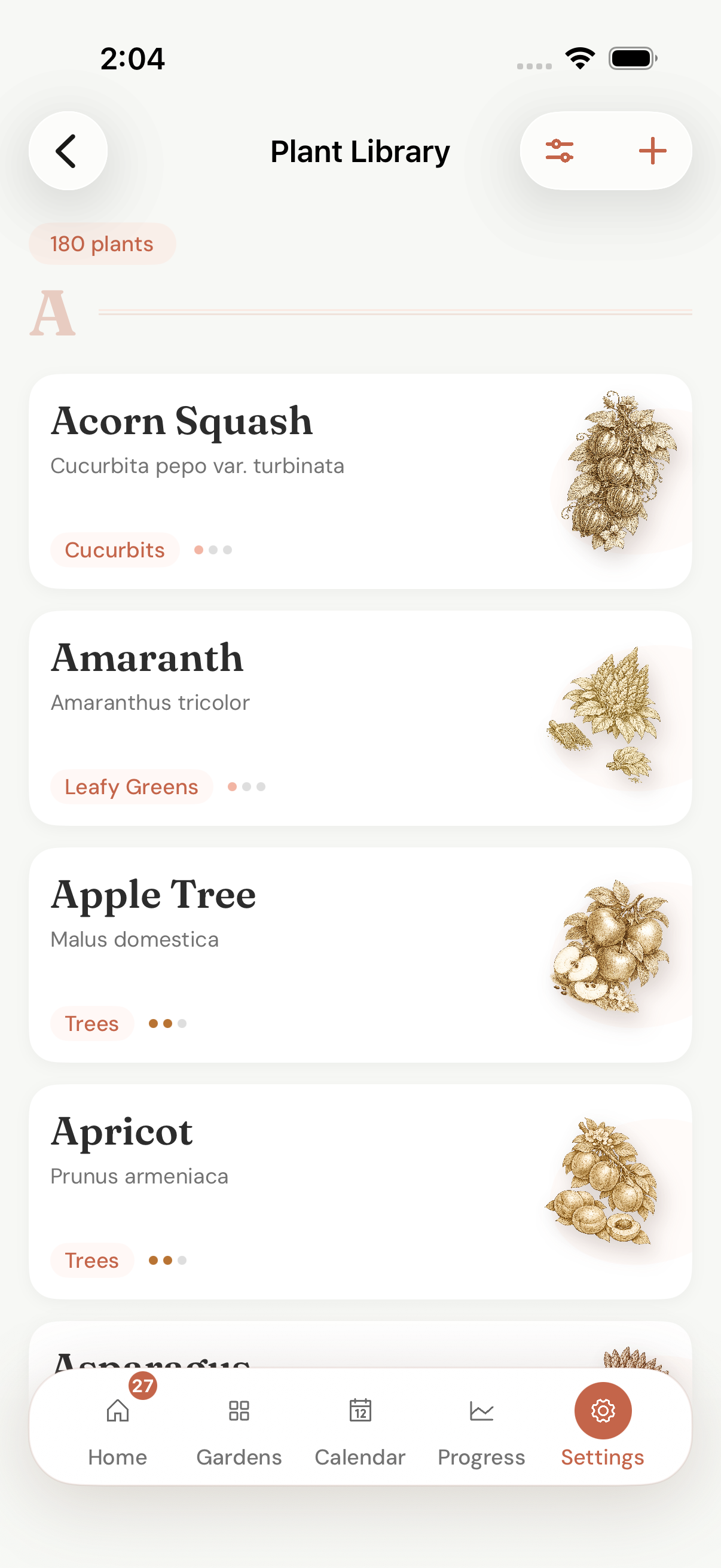
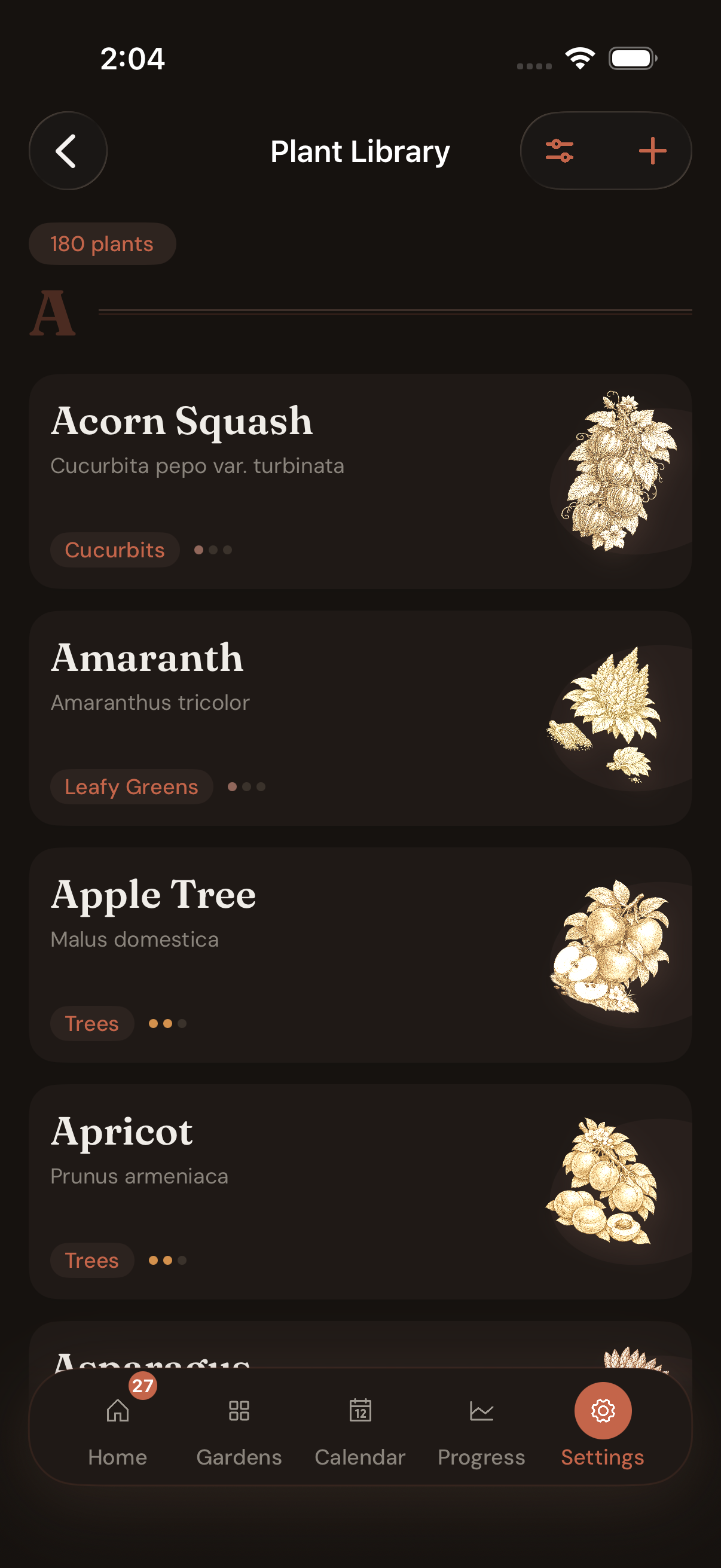
Browse 180 entries by category, difficulty, or alphabet — Acorn Squash to Zucchini, with a botanical illustration on every row. Free unlocks 20 essentials; Pro unlocks the long tail. Each entry written for southern soil, not a generic almanac.
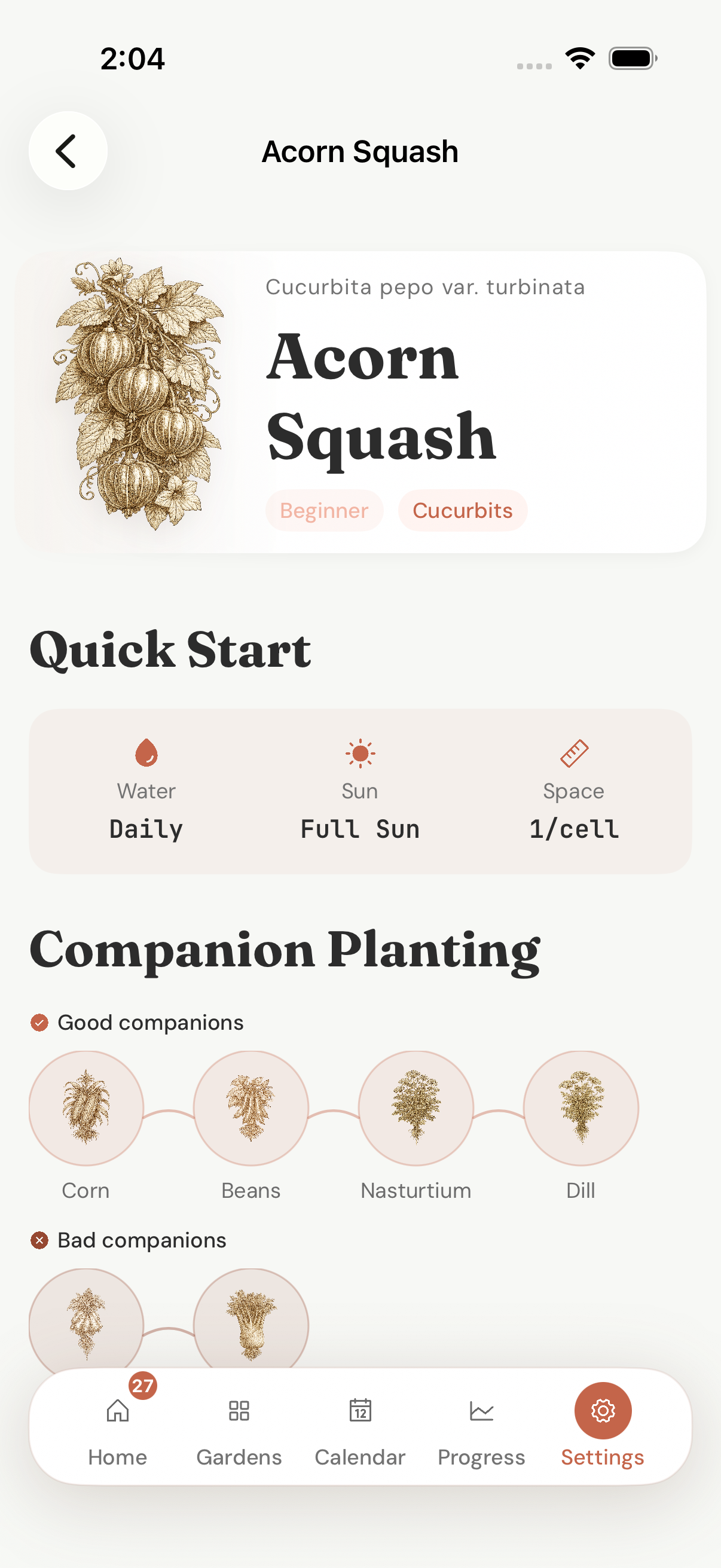
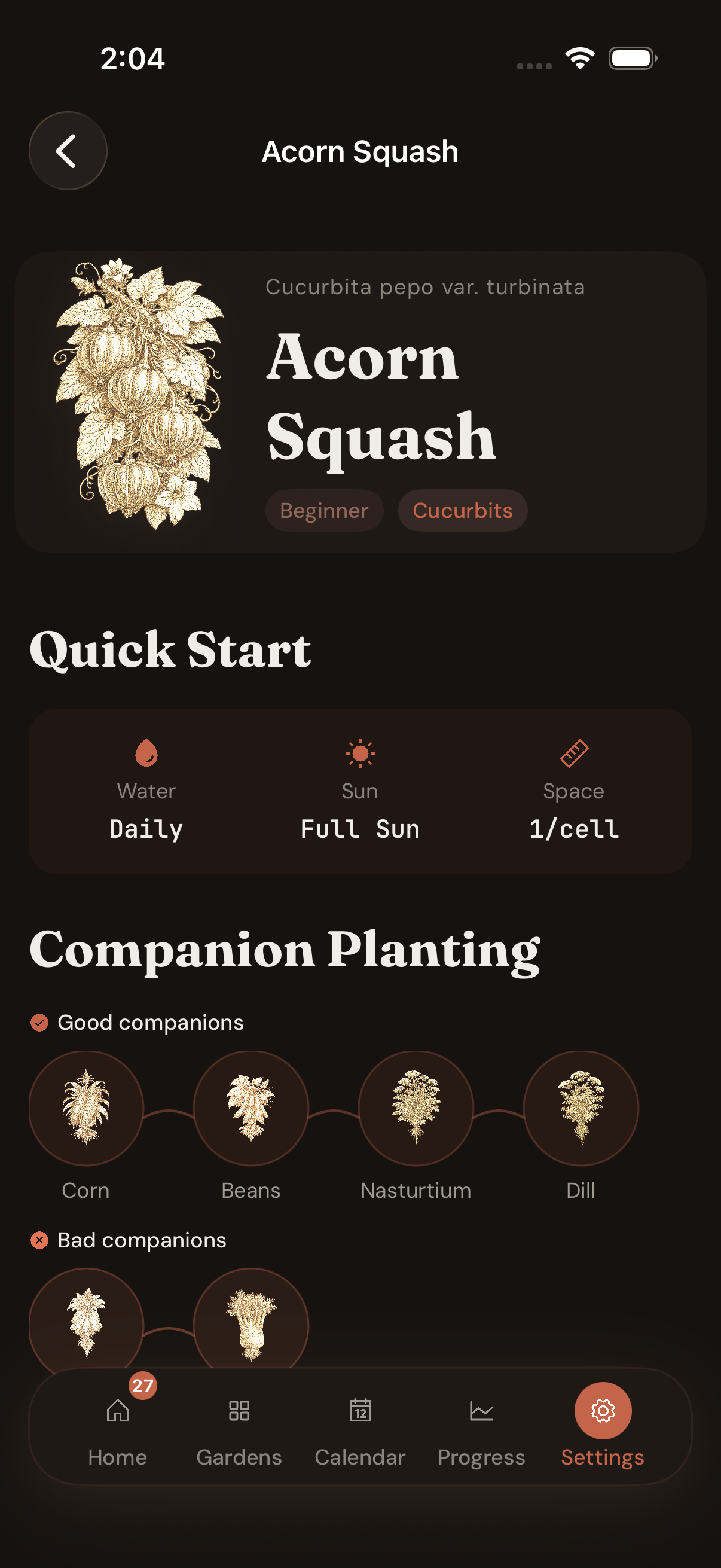
'Acorn Squash' on first read — Beginner difficulty, Cucurbits family. Quick Start tells you the daily-vs-weekly basics: Water Daily, Sun Full Sun, Space 1/cell. Good companions: Corn, Beans, Nasturtium, Dill — bad companions warned inline before you plant.
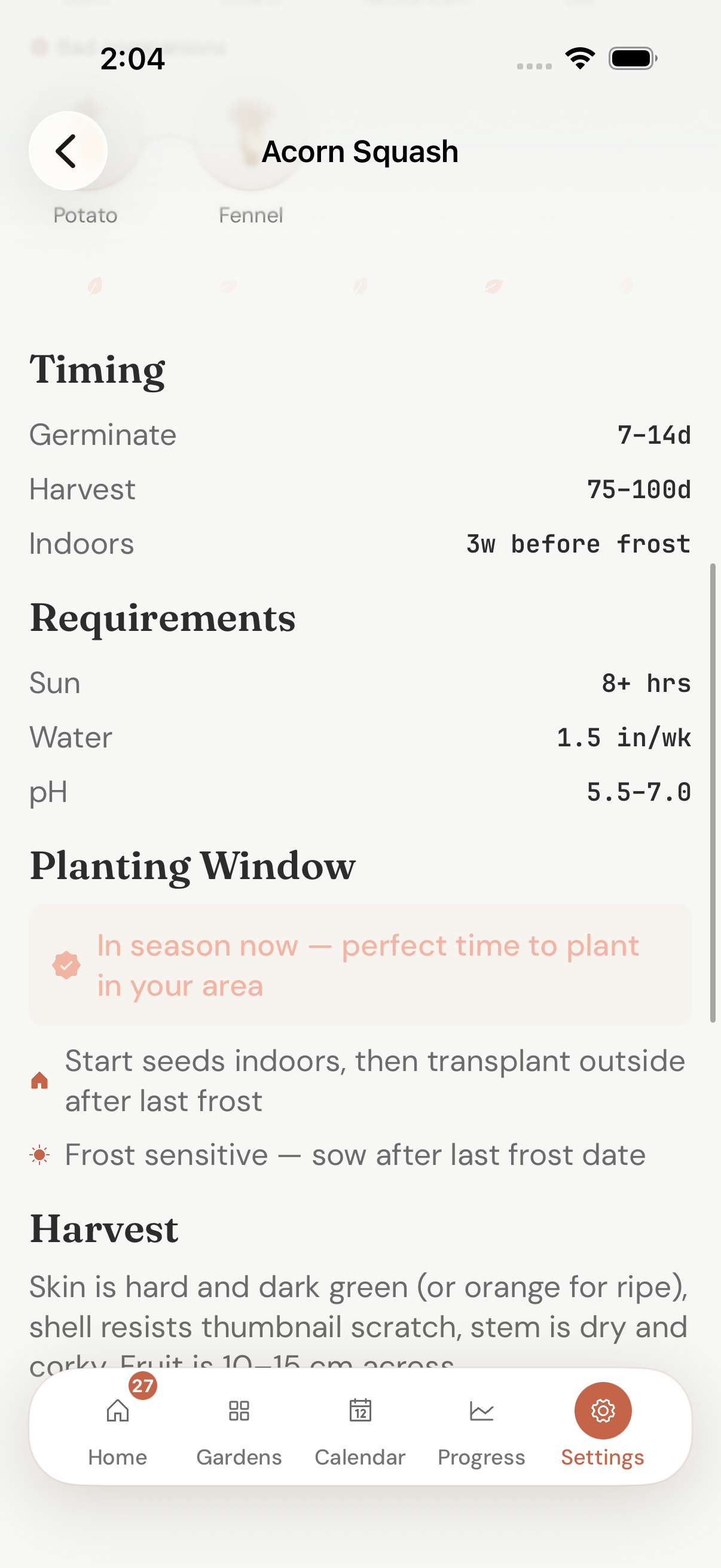
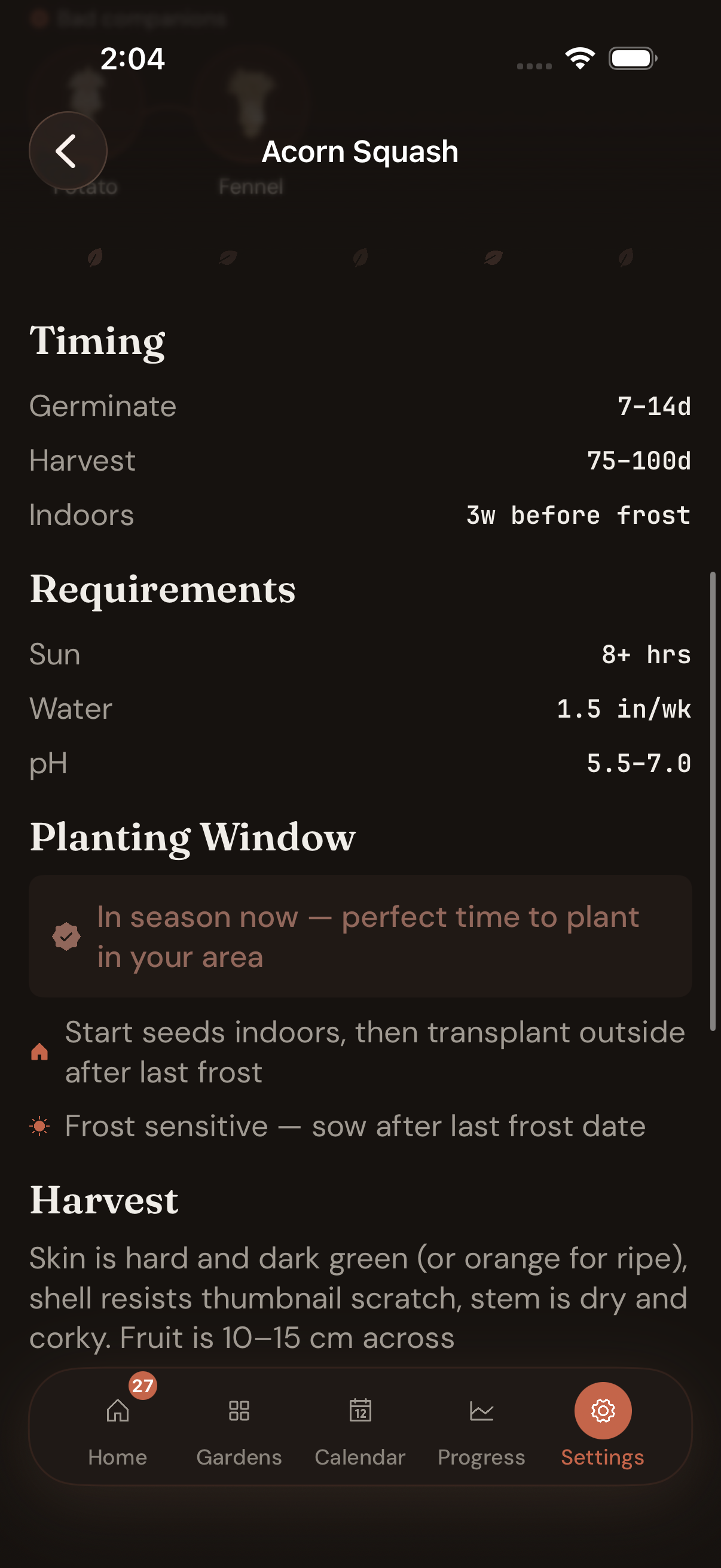
Germinate 7-14d. Harvest 75-100d. Indoors 3 weeks before frost. Sun 8+ hrs, Water 1.5 in/wk, pH 5.5-7.0. 'In season now — perfect time to plant in your area' — the planting window is computed against your auto-detected zone, not a generic almanac.
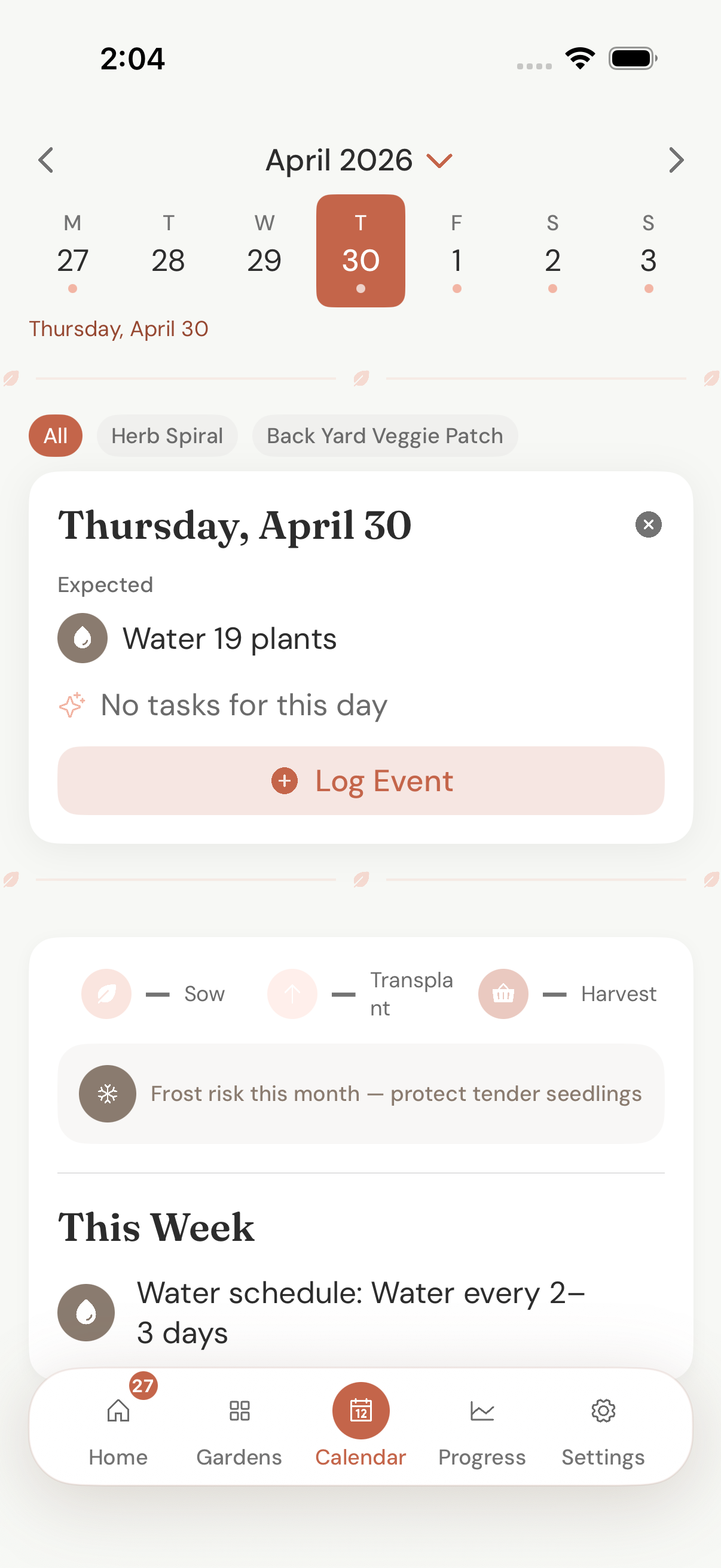
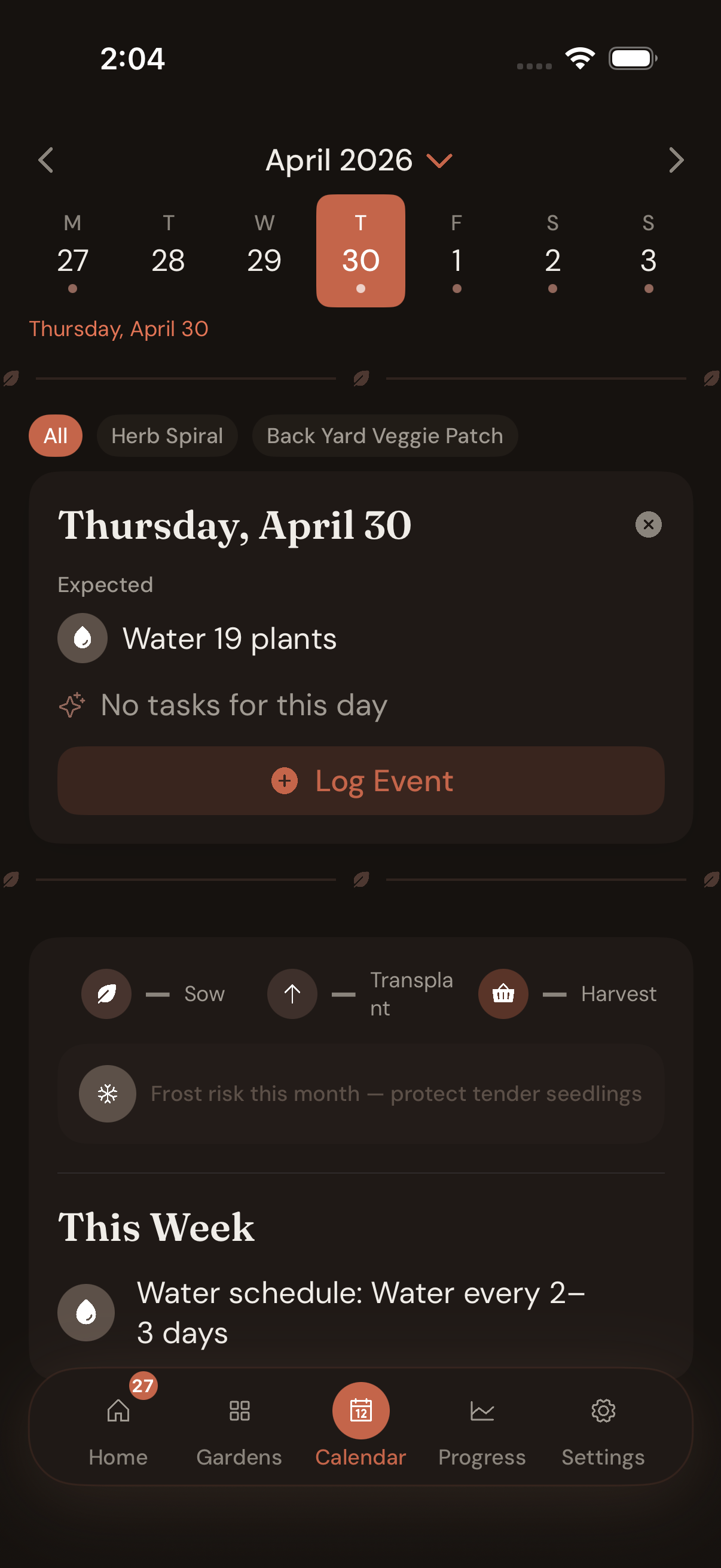
Sow / transplant / harvest windows aligned to your auto-detected zone — Tropical, Subtropical, Temperate or Cool — in DD/MM. Christmas tomatoes are normal here. Tap any day for what's expected and what got logged. The year reads like a Sydney garden, not a Vermont one.
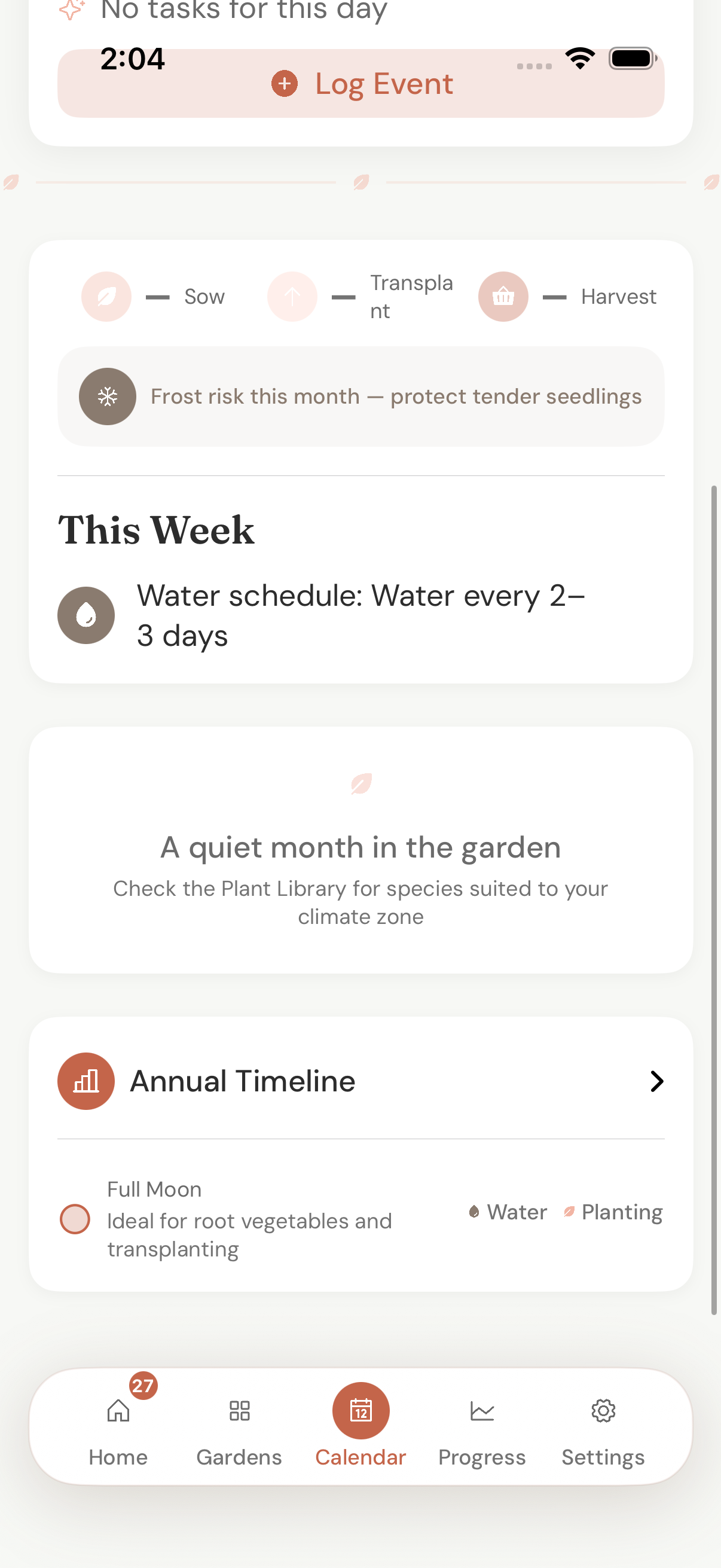
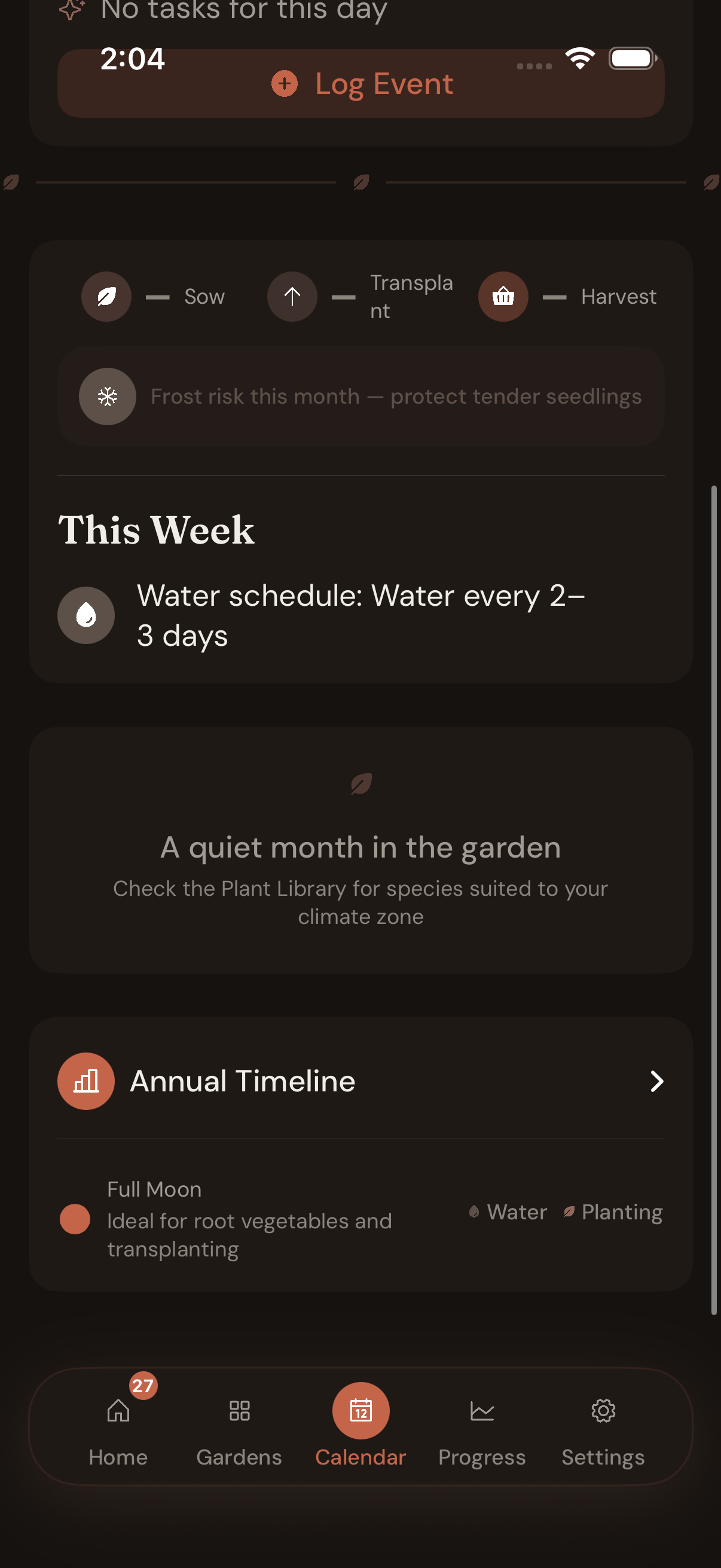
Annual Timeline plus the monthly almanac — Frost risk this month, water schedule (every 2–3 days this week), even the lunar phase (Waxing Gibbous: best for fruiting crops like tomatoes and capsicum). Quiet months get a 'check the Plant Library' nudge instead of busywork.
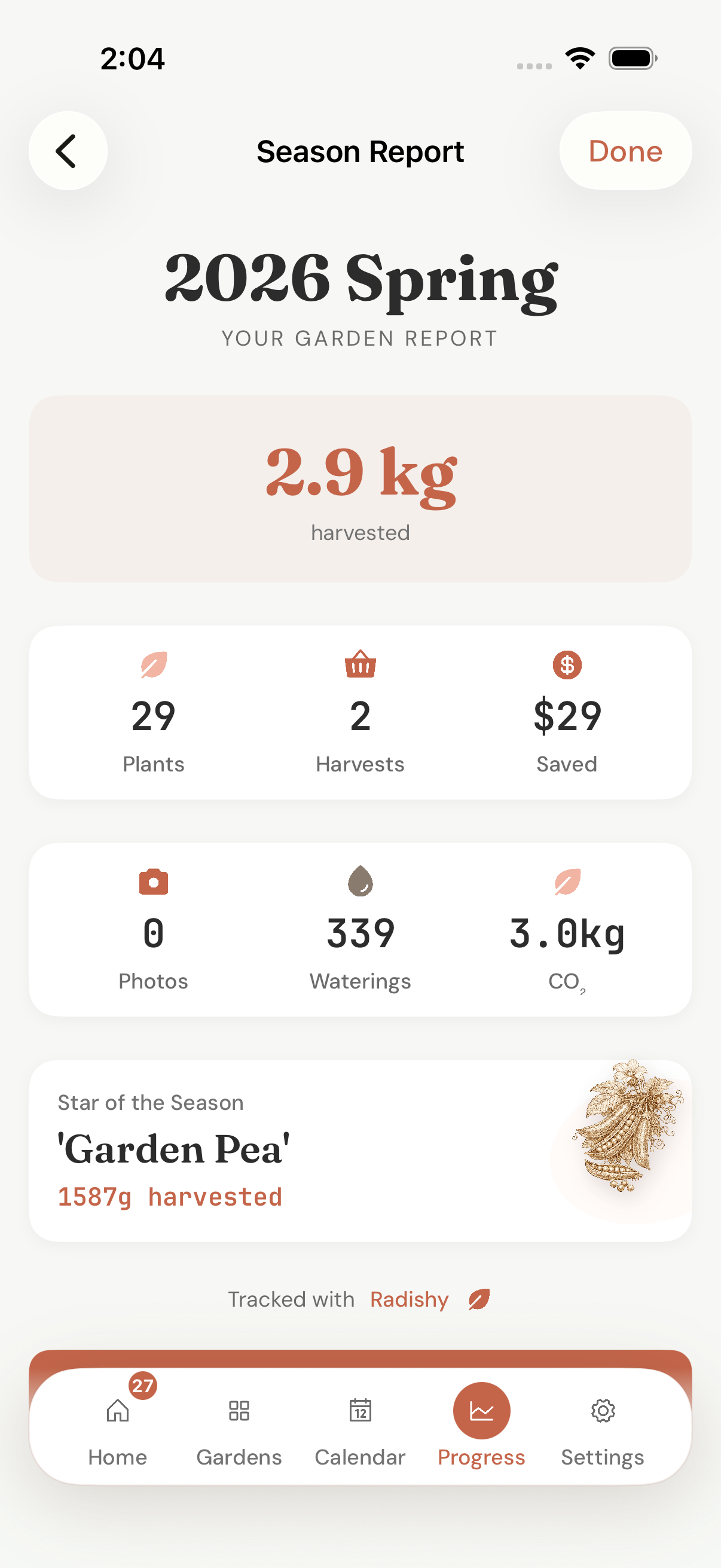
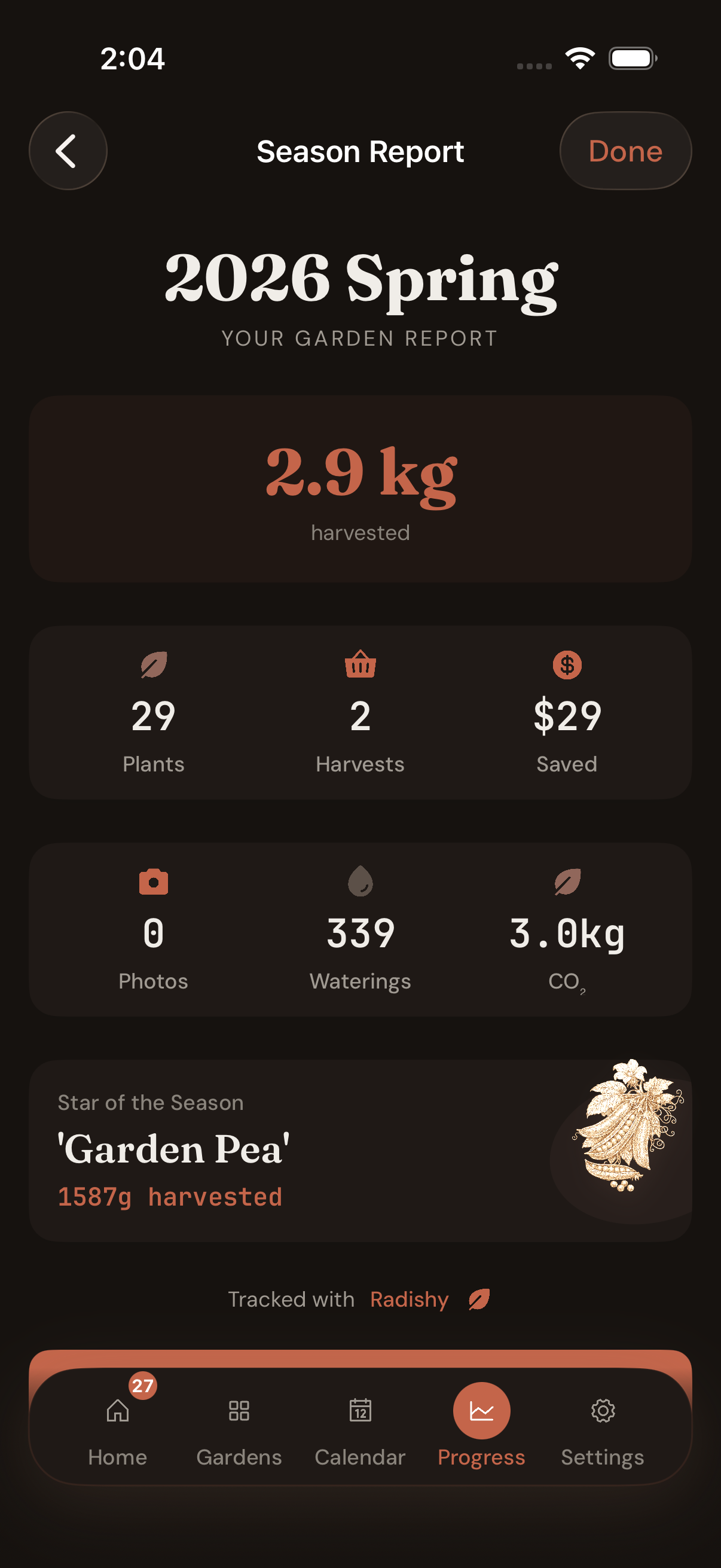
2026 Spring Garden Report — 2.9 kg harvested, 29 plants, 339 waterings, 3.0 kg CO₂ avoided. Star of the Season called by name (Garden Pea, 1587 g). 'Tracked with Radishy' footer for the share-sheet brag at the family barbecue.
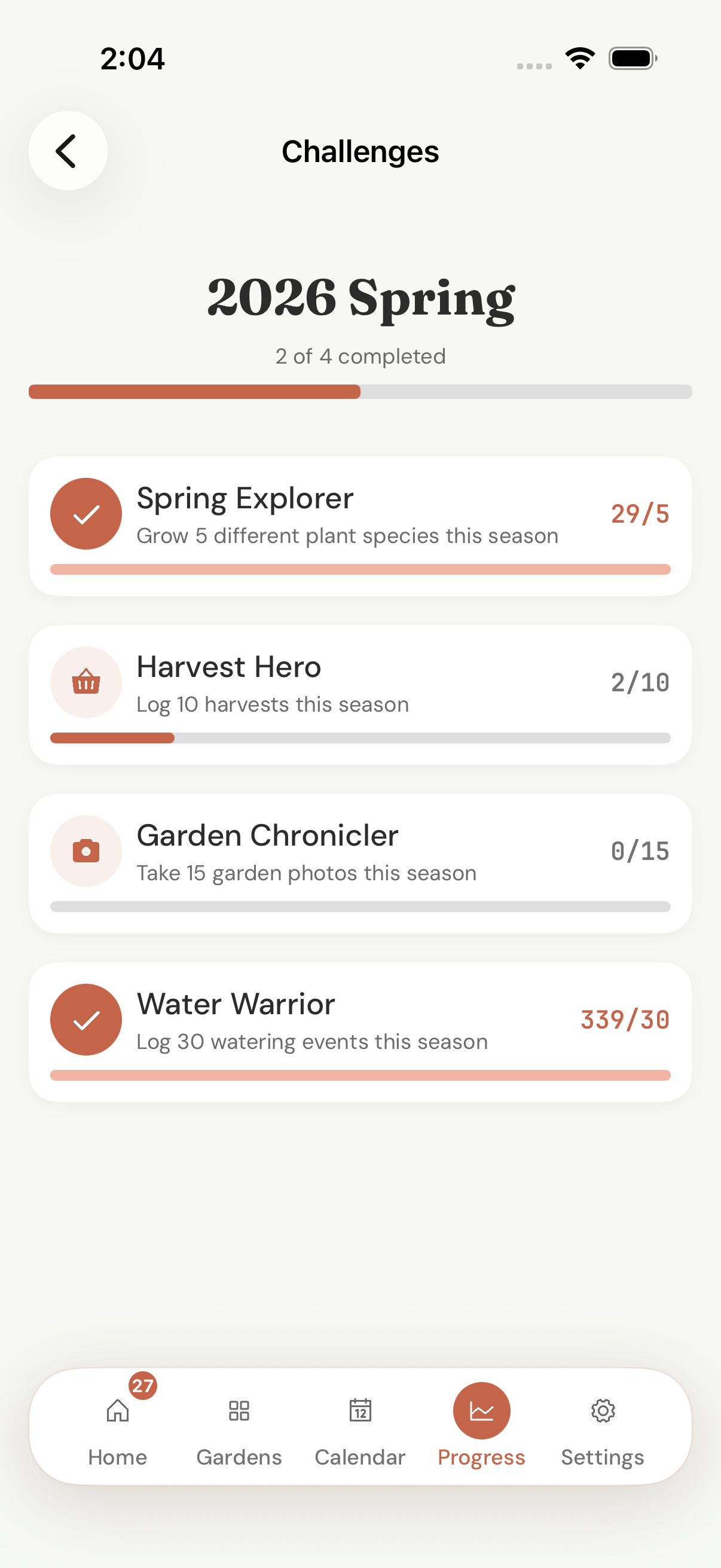
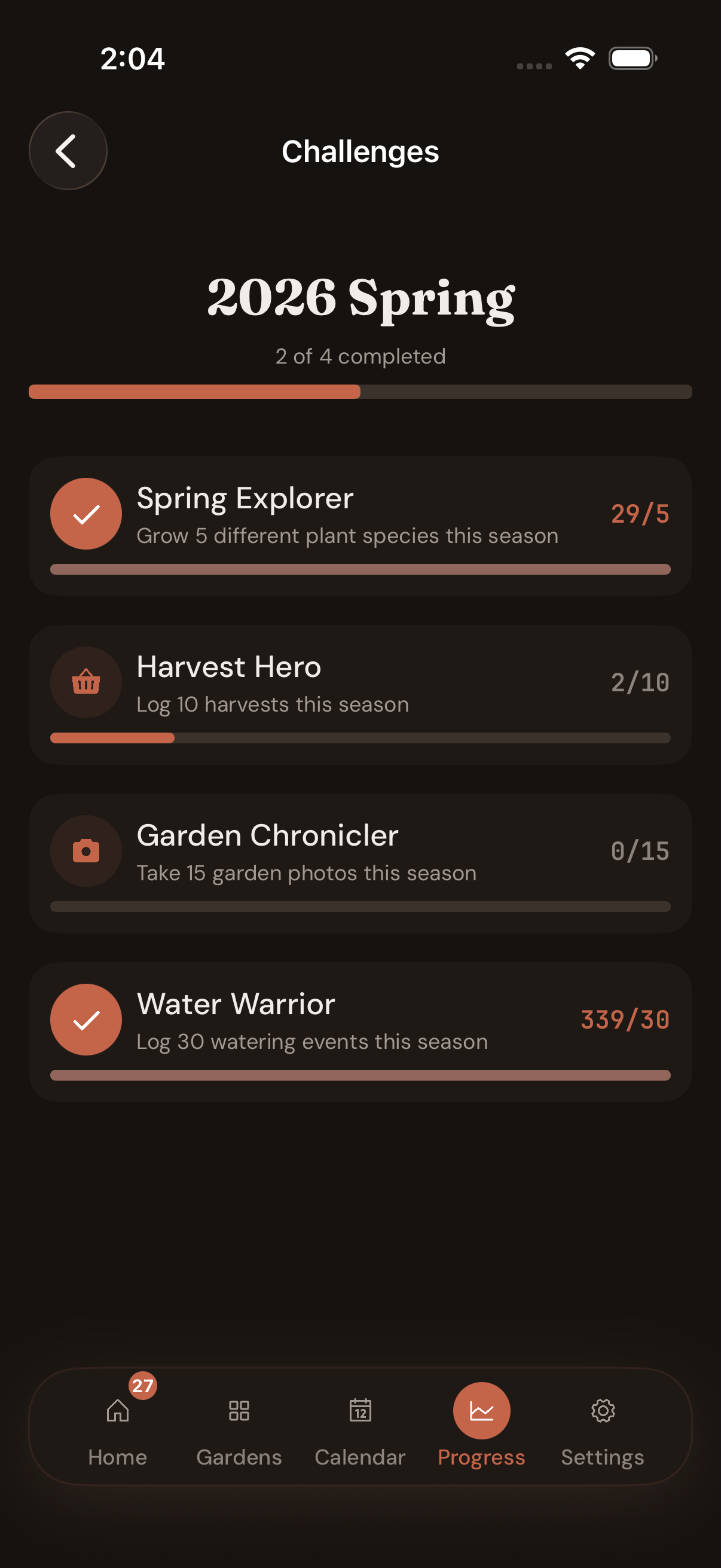
2026 Spring — 2 of 4 done. Spring Explorer (grow 5 species: 29/5 ✓). Harvest Hero (log 10 harvests: 2/10). Garden Chronicler (15 photos: 0/15). Water Warrior (30 waterings: 339/30 ✓). Designed around the season, not against it.
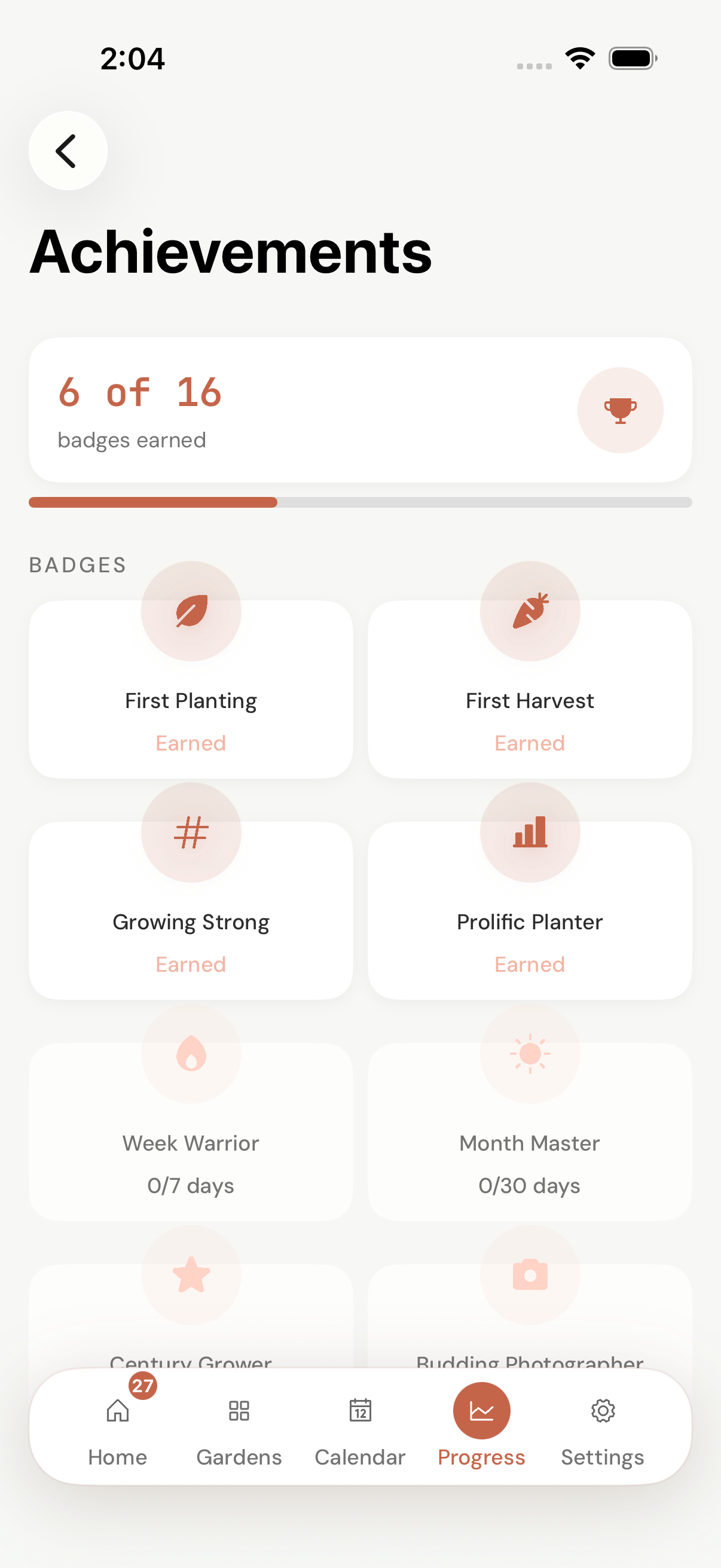
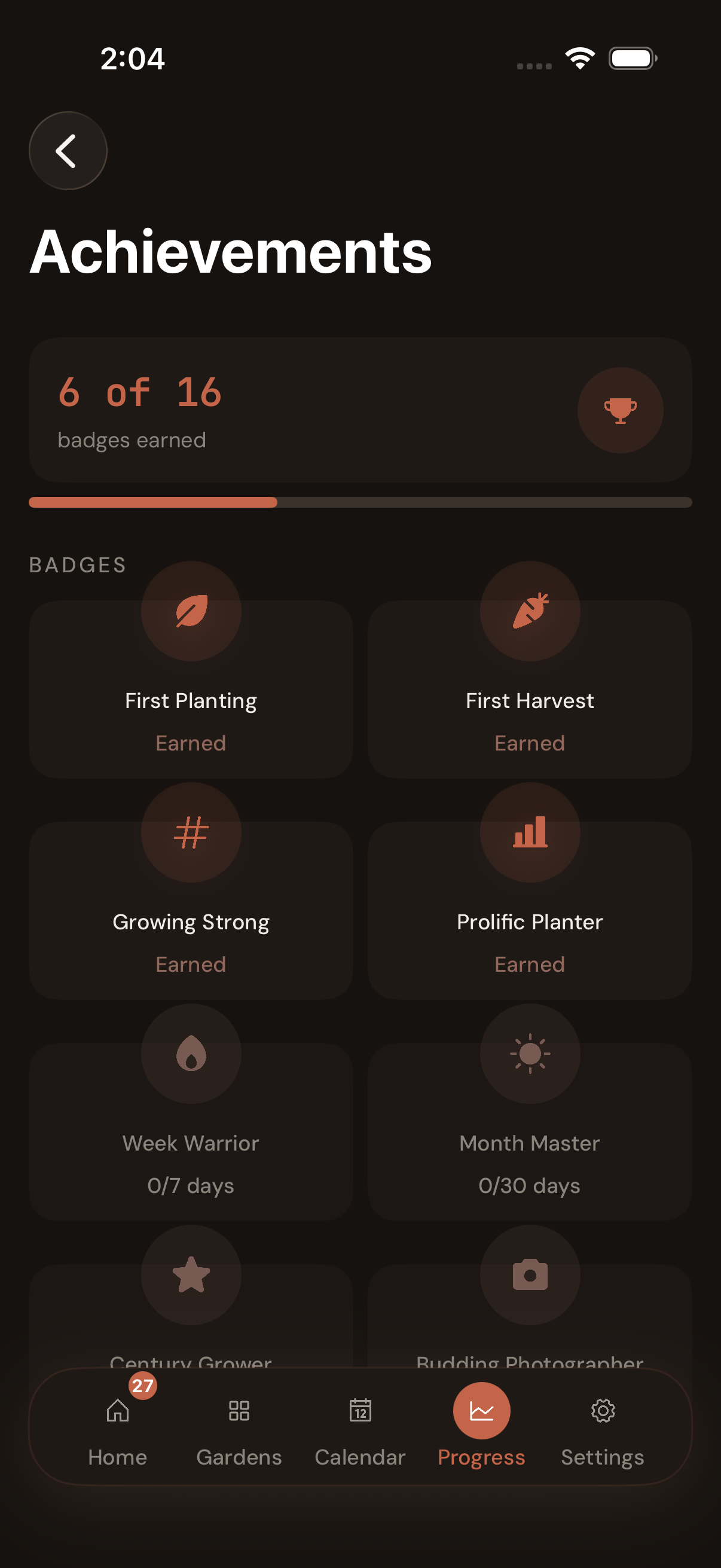
16 badges, 6 earned. First Planting, First Harvest, Growing Strong, Prolific Planter — done. Week Warrior 0/7, Month Master 0/30, Century Grower locked. Earned only by logging real things in a real bed — no streak shaming, no daily-login traps.
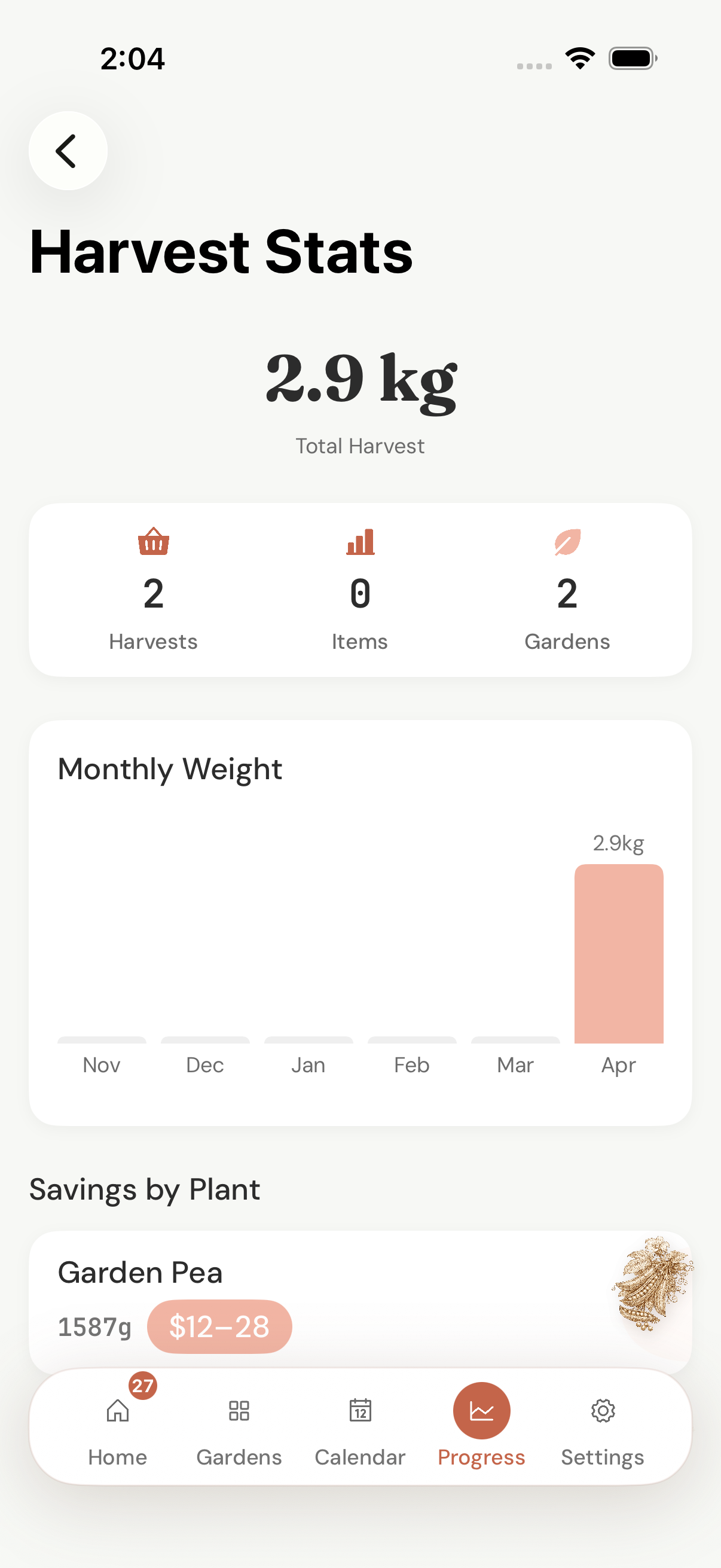
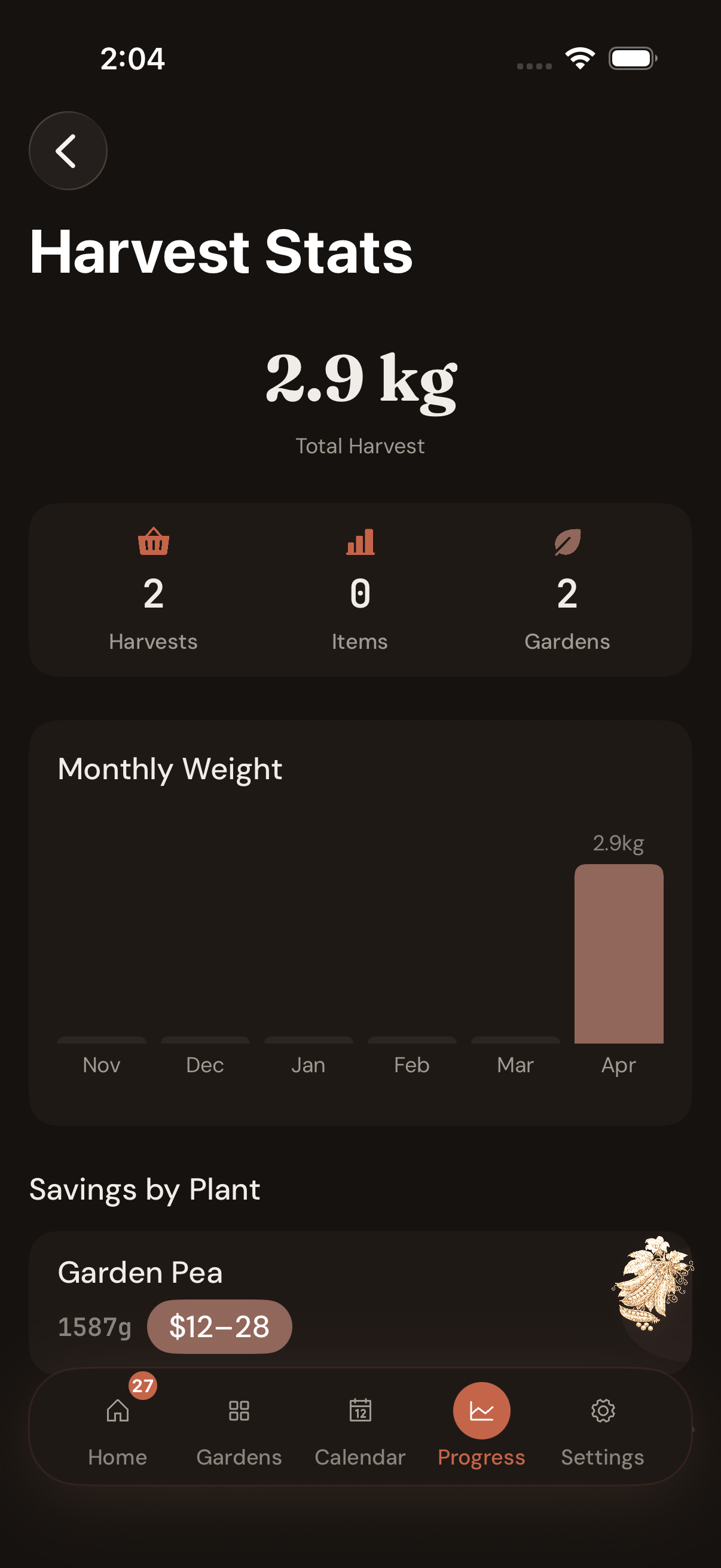
Total 2.9 kg across 2 harvests, 2 gardens. Monthly Weight bar chart visualises when the beds turned profitable. Savings by Plant — Garden Pea 1587 g, $12–28 saved. Log them by the gram; the months your beds paid for themselves quietly add up at the bottom.
Captures from a real Sydney garden — temperate zone 9, two beds, mid spring. Numbers in screens are live: 27 plants growing, 2.9 kg harvested so far, $29 saved at the supermarket. Your dashboard reads your location and reorders priorities accordingly.
From the test garden
We started Radishy because every garden app we tried was built for somebody else’s climate, somebody else’s soil, and somebody else’s idea of why you garden in the first place.
Most of them want to identify your plant. Useful once. After that, you need a calendar that knows when garlic goes in around Hobart, a watering schedule that takes the morning’s forecast into account, and a way to remember what was in this bed last winter.
So we wrote one. The botanical entries are the kind we wished existed when we were starting out: NPK numbers, real spacing, honest harvest signs, written for the south. The app stays on your phone, so the garden is yours and so are the notes.
— The Radishy team, somewhere on a sloping bed in autumn.
Three numbers. Pick the one that fits.
Pro opens every species, unlimited beds and pots, the four-zone planting calendar and the harvest log with CSV export. The 14-day trial opens all of it on first launch. Cancel inside the App Store, no friction.
- Yearly$24.99/year
$2.08 a month, paid once. Most people pick this.
- Monthly$4.99/month
Billed each month. Useful for trying one growing season.
- No expiryFree
Two beds. Twenty species. The almanac stays open.
Side-by-side · 28 lines
What you get for free,
what Pro adds.
No paywalled basics. Free is real and useful — two beds, twenty essentials, unlimited pots, climate-zone watering, frost warnings, companion checks. Pro removes the ceilings and unlocks the long-game tooling: every species, the year-wide calendar, the harvest report at season’s end.
| Feature | Free $0 · forever | Pro $24.99/yr · or $4.99/mo · 14-day trial |
|---|---|---|
01 Beds & spaces— What fits, what doesn't | ||
Garden plots & raised beds Free covers a small house — a back yard plot + a tomato patch | 2 | Unlimited |
Pots & containers Always free — apartments and balconies stay welcome | Unlimited | Unlimited |
Square-foot grid planning | ✓ | ✓ |
Last-season's bed map memory Crop-rotation guard runs on both tiers | ✓ | ✓ |
02 Plants & references— What you can plant + what we tell you about it | ||
Plant species available Tomato, basil, lettuce, carrot + 16 staples on Free | 20 essentials | 175 with full botanical entries |
Custom-plant additions Pro unlocks the ‘+ Custom plant’ sheet | — | Unlimited |
Spacing in cm + companion check | ✓ | ✓ |
Full botanical entries (NPK, pH, frost, harvest signs) Same depth on every entry — Pro just unlocks more entries | 20 species | 175 species |
03 Calendar & weather— How far ahead you can plan | ||
Calendar view depth Pro lets you stage successions across a season | Current month + 1 | Full year + multi-year |
Climate-zone watering schedule Local-first; never sent to a server | ✓ | ✓ |
Frost warning callouts | ✓ | ✓ |
Rainfall-credited reminders Skips a watering tap after rain | ✓ | ✓ |
04 Journal & photos— How the season records itself | ||
Photos per planting | 3 | Unlimited |
Voice notes per garden Hands-dirty logging without typing | 3 × 60 sec | Unlimited × 5 min |
Photo growth timeline Day-1-vs-now comparison runs on whatever photos you have | ✓ | ✓ |
Journal text notes | ✓ | ✓ |
05 Harvest & insight— What the season actually paid | ||
Harvest weight log Logged by the gram on both tiers | ✓ | ✓ |
Dashboard yield + dollar estimate Maps yields against AU supermarket prices | ✓ | ✓ |
Carbon-savings tracker | ✓ | ✓ |
Streak & achievements | ✓ | ✓ |
Harvest-log CSV export Garden CSV is free; harvest CSV is Pro | — | ✓ |
06 Privacy & data— Where your garden lives | ||
Local-first storage Everything works offline, always | ✓ | ✓ |
iCloud sync across devices Apple-encrypted; we never see it | ✓ | ✓ |
Garden CSV export | ✓ | ✓ |
Harvest CSV export | — | ✓ |
Languages supported EN · DE · ES · FR · JA · KO · pt-BR · 简体中文 · 繁體中文 | 9 | 9 |
Account / signup required | Never | Never |
Ads, trackers, third-party SDKs | Zero | Zero |
Trial → Free, never deletes
The 14-day full Pro trial steps down progressively, never bricks your data. If Pro lapses, your beds, photos, history and harvests stay on your device — Free mode just becomes read-only beyond the limits, and a fresh subscription puts everything back the moment you re-subscribe.
Cancel inside the App Store
Subscriptions go through Apple. Cancel anywhere — Settings → Subscriptions, one tap. We never see your card, your address, or your email. No retention dance, no “stay” popup, nothing to hold you.
Annual saves $34.89
Yearly works out to $2.08 a month — less than a packet of tomato seeds. If you grow even one extra punnet of basil over a season, the app paid for itself. Most gardeners pick this; we default to it on the paywall.
Before you download.
The things people ask before installing. If yours isn’t here, email support. A real person replies.
Does Radishy work offline?
Yes. Every species entry, your beds, photos, calendar and harvest log live on the device. The only thing that needs the internet is the App Store transaction itself.
Why does Radishy ask for my location?
To pick your climate zone (Tropical / Subtropical / Temperate / Cool) and pre-fill local frost dates. We never send the location off the phone — it stays in the app's local database.
How does the 14-day trial work?
First launch starts a 14-day full Pro trial. Every species, unlimited beds, full calendar, photos, voice notes — everything. Day 14 it steps down to Free unless you subscribe. No card asked at install.
What are the Free limits?
Two garden beds (unlimited pots and containers), 20 essential species, 3 photos per planting, current month + 1 of calendar, no harvest CSV export. Everything else still works.
Can I cancel my subscription?
Anywhere Apple lets you cancel a subscription — Settings → Apple ID → Subscriptions, one tap. Subscriptions go through StoreKit; we never touch your card.
What happens to my garden data if I downgrade to Free?
Nothing is deleted. Your beds, plantings, photos, voice notes and harvest log all stay on the device. Free mode just becomes read-only beyond the limits — re-subscribe and everything's back instantly.
How is Radishy different from Planta or Gardenize?
Radishy is southern-hemisphere first (the calendar speaks Tropical/Subtropical/Temperate/Cool, not USDA zones), local-first (no cloud account, no analytics), and has full botanical entries for 175 species — not just photos with care labels.
Why no AI plant identification?
Most gardeners know what a tomato looks like. The hard problem is timing — when to sow, water, harvest. We focused the entire app on that and left identifier features to the apps already doing them.
iPhone only, or iPad too?
Radishy 1.0 ships iPhone-only — iOS 17+. We made the call to launch on the device the design is actually polished for, rather than ship a stretched iPhone view on iPad. iPad-native layout is on the roadmap once the iPhone version has settled.
Plant something this weekend.
Free download. The 14-day Pro trial opens every species, every zone, every reminder. Cancel in the App Store, no friction.
Coming soon to the App Store
Radishy is built by Byte Flicker in Australia.